
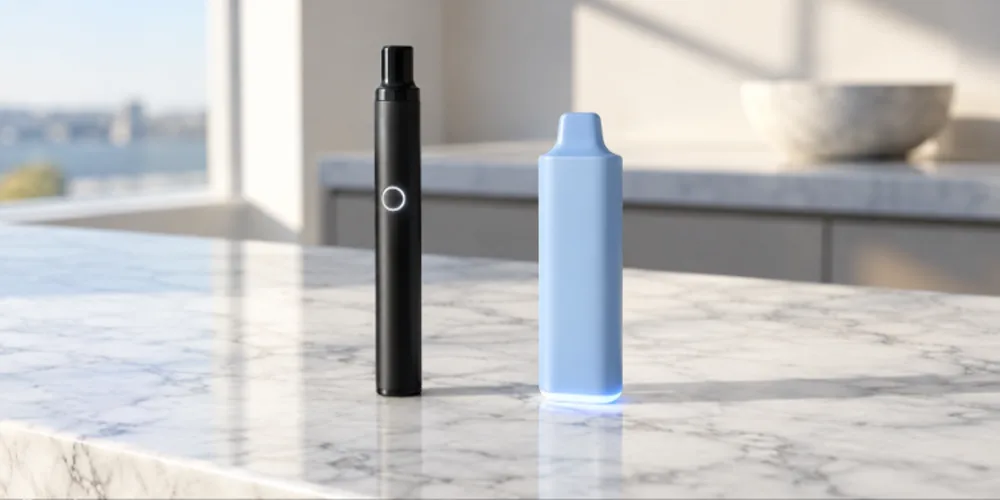
Most Cake vape pens with a button turn on with 5 quick clicks of the button, and the light flashes to confirm. Click 5 times again to turn it off. Draw-activated Cake disposables have no button and no on switch: they turn on automatically when you inhale through the mouthpiece. If nothing happens, charge the pen, then try again.
Key takeaways
- Button pens: 5 quick clicks turns the pen on or off.
- Draw-activated pens: no button, just inhale gently to fire.
- Many button pens use 3 clicks to change heat and 2 clicks to preheat. Check your model’s instructions.
- No light at all usually means the battery needs a charge.
- Turn the pen off when you are done so it does not fire in a pocket or bag.
We do not sell Cake disposables, but these in-stock 510 batteries work with most standard 510 thread cartridges.
-
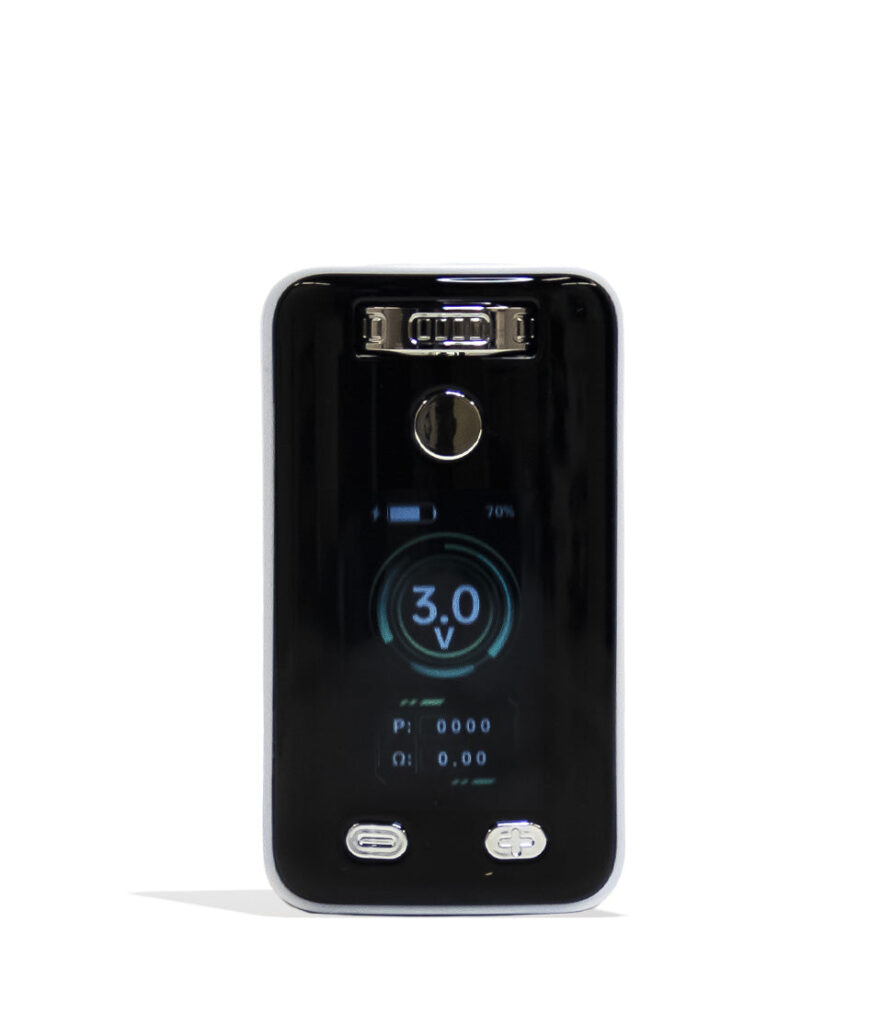
Yocan UNI 3.0 Universal Variable Voltage Battery
$39.99
$33.99 -
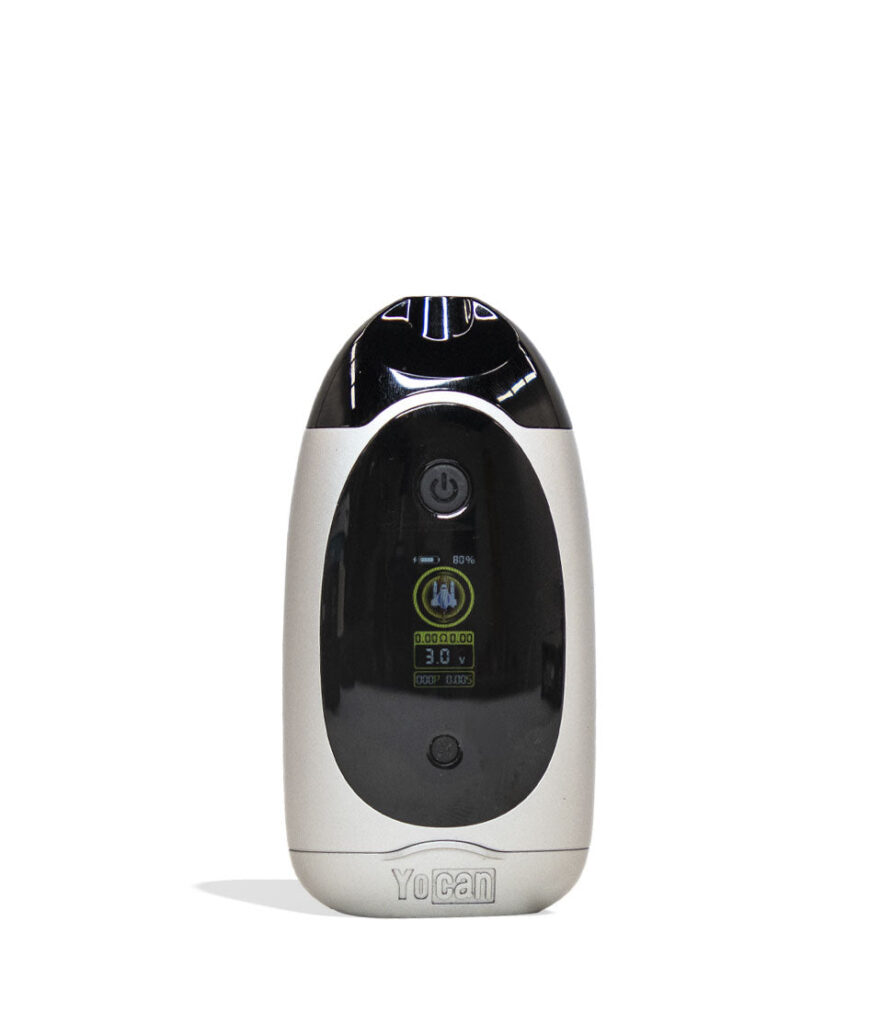
Yocan Dubb Dual Cartridge 510 Voltage Battery
$47.99
$40.79 -
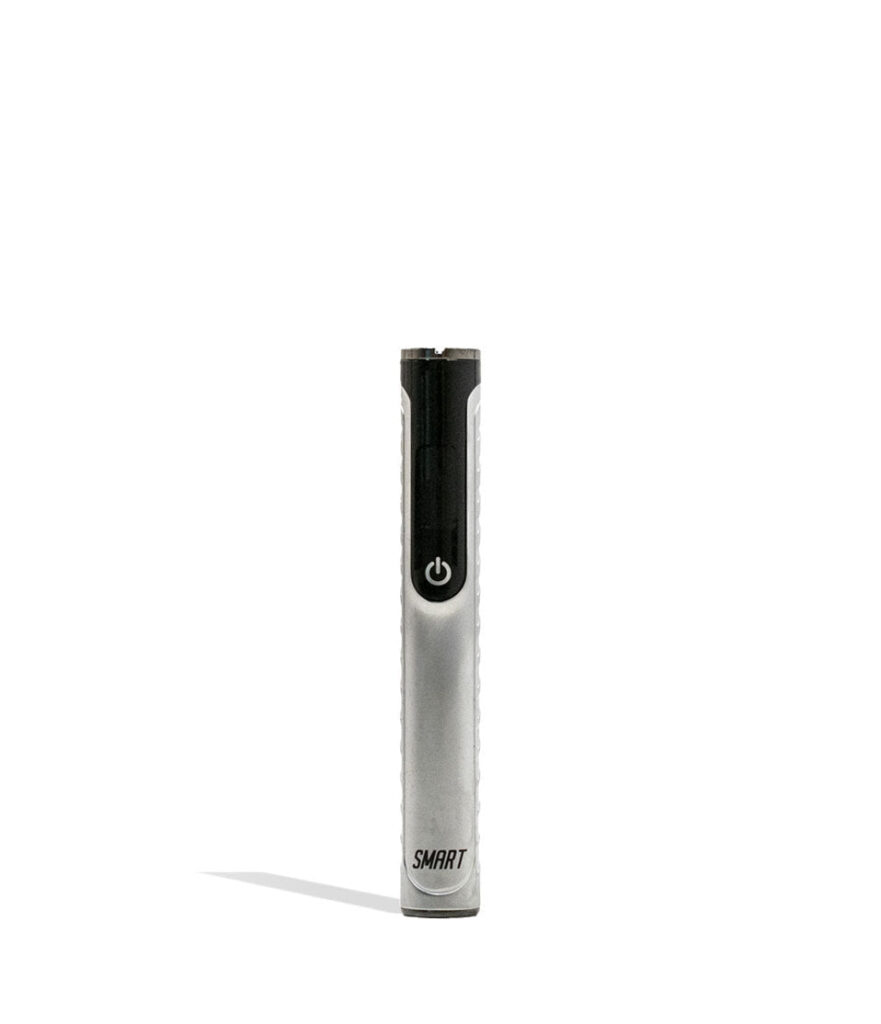
Yocan Black Smart Cartridge Vaporizer
$29.99
$25.49
Does your Cake pen have a button?
The first step is figuring out which style you have, because the two work differently.
| Pen style | How to turn it on | How to use it |
|---|---|---|
| Button pen or 510 battery | Click the button 5 times quickly | Hold the button while you inhale |
| Draw-activated disposable | No on switch, always ready | Inhale gently through the mouthpiece |
| Disposable with a button | Click 5 times if it has a lock feature | Hold the button while you inhale |
How do you turn on a button Cake pen?
- Make sure the pen is charged. Plug it into a USB-C cable for a few minutes if you are unsure.
- Hold the pen with the button facing you.
- Click the button 5 times quickly, within about 2 seconds. The light should flash to show it is on.
- If your pen has heat settings, click 3 times to cycle through them. Start on the lowest.
- If your pen has preheat, double click to warm thick oil before your first puff.
- Hold the button and take a slow 3 to 5 second pull.
- When you are done, click 5 times again to turn the pen off.
If the light flashes several times and nothing happens, the battery is probably low. Charge it and try again.
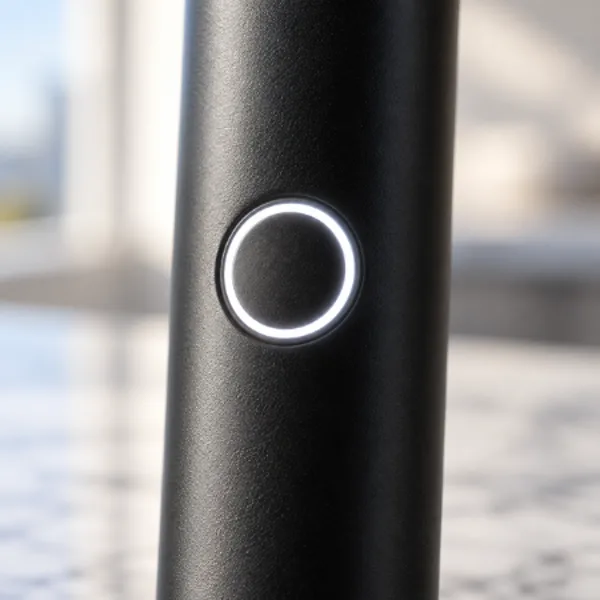

Want more control?
Shop 510 batteries
Adjustable voltage and preheat in a rechargeable battery. Free US shipping over $49.99.
How do you use a draw-activated Cake disposable?
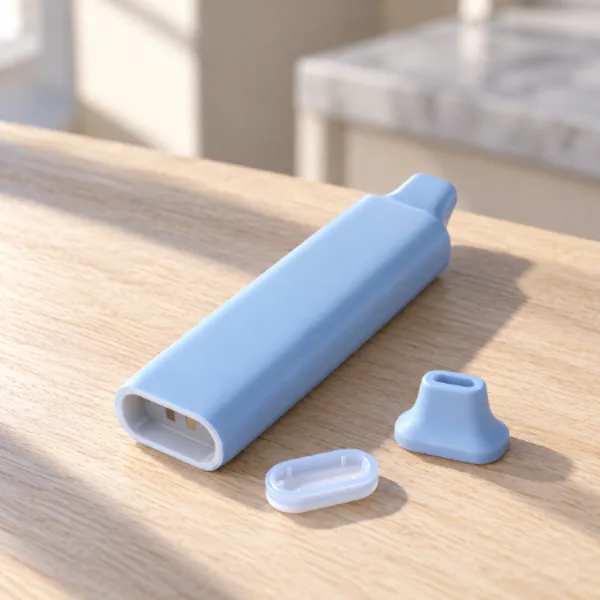
Draw-activated pens do not need to be turned on. A small sensor inside detects airflow and fires the coil when you inhale. Remove any packaging or rubber plug from the mouthpiece and the bottom, then take a gentle pull. Many draw pens light up at the bottom while you inhale.
If it does not fire, check that the plugs are removed, then try a slower and lighter draw. Pulling too hard can actually stop the sensor from reading properly on some pens.
Why will my Cake pen not turn on?
- Battery is dead: charge it for at least 30 minutes with a working USB-C cable.
- Clicks are too slow: the 5 clicks need to be quick, all within about 2 seconds.
- Child lock is on: some pens lock with 5 clicks. Try 5 clicks again.
- Sensor is blocked: on draw pens, a clog or moisture can stop the sensor from firing.
- Pen is too cold: warm it to room temperature before you try.
If your pen turns on but still will not hit, see our guide on why your Cake pen is not working. If it will not charge at all, read why your Cake vape is not charging.
How do you turn off a Cake pen?
On button pens, click the button 5 times quickly. The light flashes to confirm it is off. Turning it off saves battery and stops the pen from firing by accident in a pocket or bag. Draw-activated pens cannot be turned off, so store them upright with the mouthpiece cap on, if it came with one.
Tips for your first session
- Start on the lowest heat setting.
- Take slow, steady pulls of 3 to 5 seconds.
- Wait a few seconds between puffs.
- Store the pen upright at room temperature.
- Charge before the battery is completely empty.
New to vape pens? Our beginner guide to hitting a vape pen walks through technique step by step.
Box style batteries
Shop the Yocan UNI Pro 2
650mAh, USB-C and adjustable fit for most carts, per Yocan. 100% Authentic from top brand names.
What do the lights mean?
Pens use their light to tell you what is happening, but the exact patterns vary by model. These are the most common signals:
- Several quick flashes after 5 clicks: the pen has turned on or off.
- Light while you inhale: the coil is firing.
- Steady flashing when you try to hit: the battery is low and needs a charge.
- Light while plugged in: the pen is charging. On many pens it turns off or changes color when full.
- Flashing and cutting off mid puff: you held the button too long and the safety cutoff kicked in.
If your pen shows a pattern you do not recognize, check the instructions that came with it, since each model is a little different.
Button pen or draw pen: which is easier?
Draw-activated pens are the simplest because there is nothing to press. That makes them easy for beginners, but you give up control over heat, and the sensor can be finicky if it gets clogged. Button pens take a few seconds to learn, and in return you can choose your heat setting, use preheat and turn the pen off so it never fires in a pocket.
If you like the control of a button pen, a rechargeable 510 battery takes that further. It works with any standard 510 cartridge, charges over USB-C and lets you dial in exactly the hit you want. Browse our 510 battery collection to compare styles from slim pens to box mods.
How do you keep your pen ready to use?
A pen that is ready to go when you need it saves a lot of frustration. Keep it charged by topping it up before the battery is fully empty, and use the same reliable cable each time. Store it upright at room temperature so oil stays where it should and the airway stays clear. If you carry it in a bag, turn it off first, or keep a draw pen capped so lint cannot get into the mouthpiece.
Every so often, wipe the mouthpiece and the charging port with a dry cotton swab. On a 510 battery, also wipe the threads where the cartridge connects. These small habits keep the pen turning on and firing the way it should, every time you pick it up.
Frequently asked questions
How many clicks turn on a Cake pen?
Most button pens turn on and off with 5 quick clicks. The light flashes to confirm.
How do I change the heat on my Cake pen?
On many button pens, 3 quick clicks cycle through the heat settings. Check the instructions for your exact model.
Do Cake disposables have a button?
Some do and some are draw activated. Draw-activated pens have no button and fire when you inhale.
Why is my Cake pen blinking?
Blinking usually means the battery is low or the pen is locked. Charge it, then try 5 quick clicks.
Should I turn my vape pen off?
Yes. Turning a button pen off saves battery and prevents it from firing by accident.
Explore more
Shop vaporizers
Batteries, dab pens and dry herb vaporizers. Ships within the USA to adults 21+.
Click, puff, click
Five clicks on, slow pulls and five clicks off. That is all most Cake pens need. If yours is draw activated, just inhale gently and it does the rest. Keep it charged and clean and it will be ready whenever you are.