
A Cactus Labs disposable that will not work usually has one of five problems: a plug left in the mouthpiece or airflow hole, a low battery, a clogged airway, oil that is too cold to flow, or a blocked draw sensor. Remove any plugs, charge it with USB-C for 30 minutes, warm it in your hand and take slow, gentle draws. If it is charged, clear and still tastes burnt or gives no vapor, it is likely empty.
Key takeaways
- Start with the plugs. New devices often ship sealed.
- Charge it for 30 minutes with a working USB-C cable.
- Warm it up if it has been somewhere cold.
- Use slow, gentle draws so the sensor reads properly.
- A burnt taste on a full charge usually means it is empty.
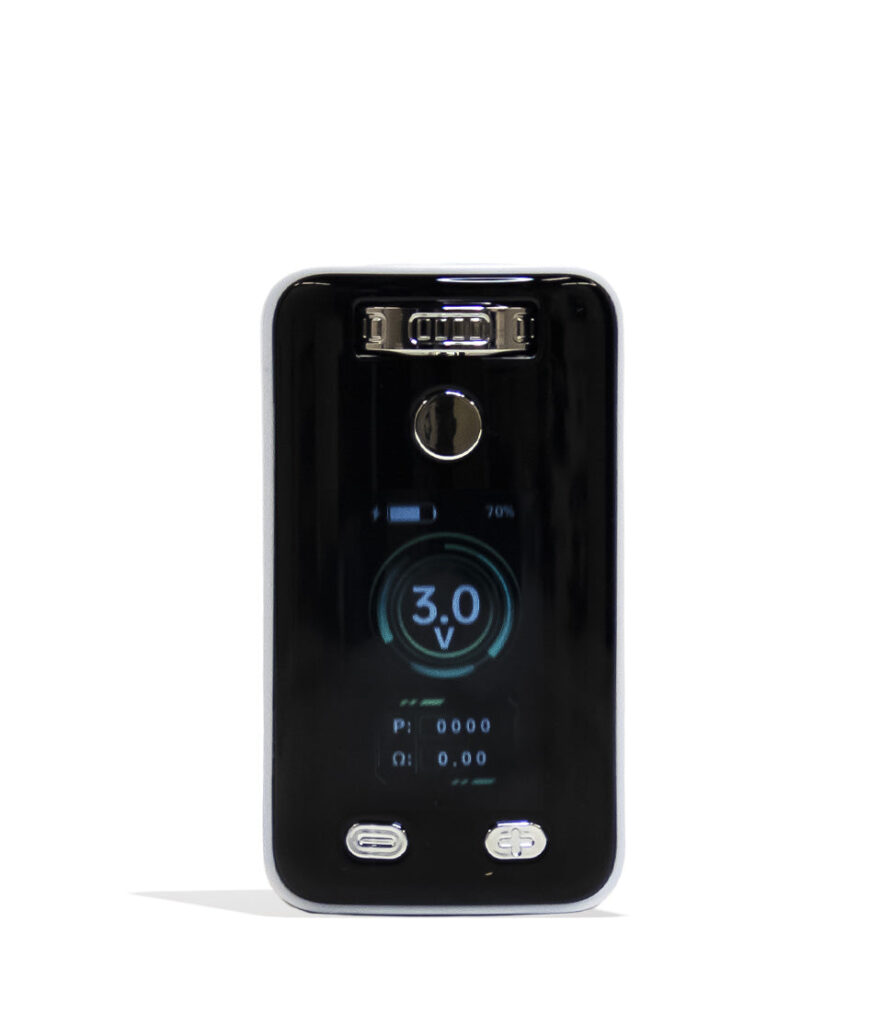
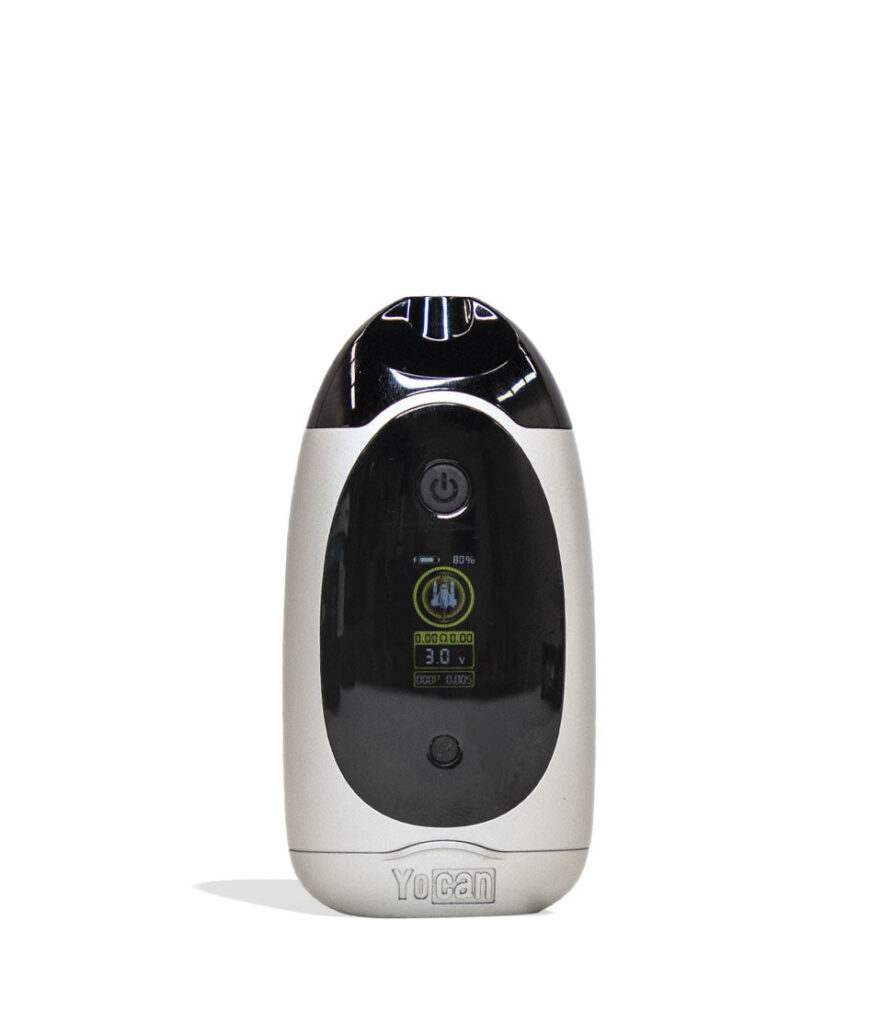
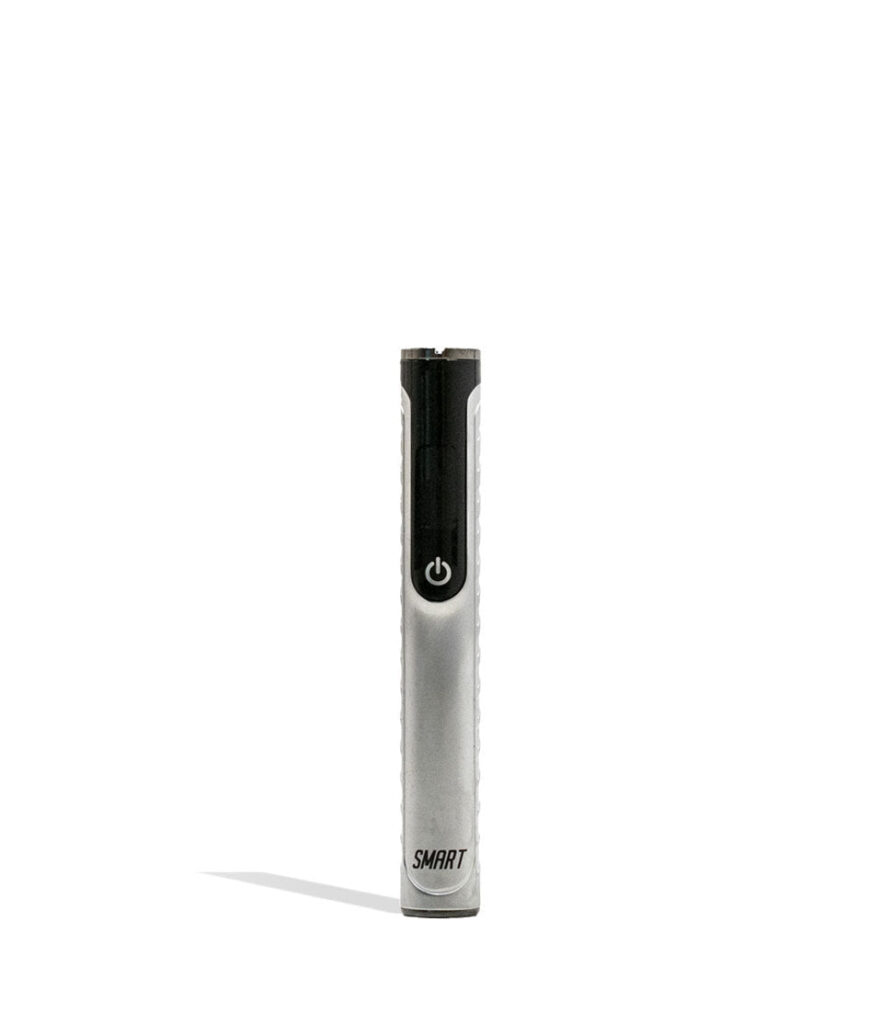
We do not sell Cactus Labs disposables, but these in-stock 510 batteries work with most standard 510 thread cartridges.
Find your problem fast
| What happens | Most likely cause | First fix |
|---|---|---|
| Nothing at all | Plugs in place or dead battery | Remove plugs, then charge |
| Light blinks, no vapor | Low battery | Charge with USB-C |
| Air will not move | Clog or thick oil | Warm it, then gentle draws |
| Weak, thin vapor | Low battery or nearly empty | Charge, then check the window |
| Burnt taste | Empty or overheated | Rest it; replace if empty |
| Fires by itself | Moisture on the sensor | Dry it upright for a few hours |
It does nothing at all
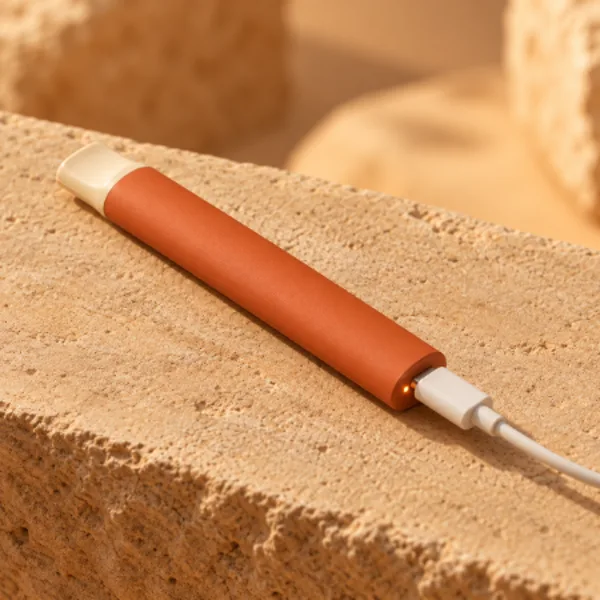
On a brand new device, check both ends for small silicone plugs and remove them. If there are no plugs, the battery may be drained from sitting on a shelf. Charge it with a USB-C cable for at least 30 minutes, even if no light appears right away. A deeply drained battery can take a little while before it shows any sign of life.
The light blinks but there is no vapor
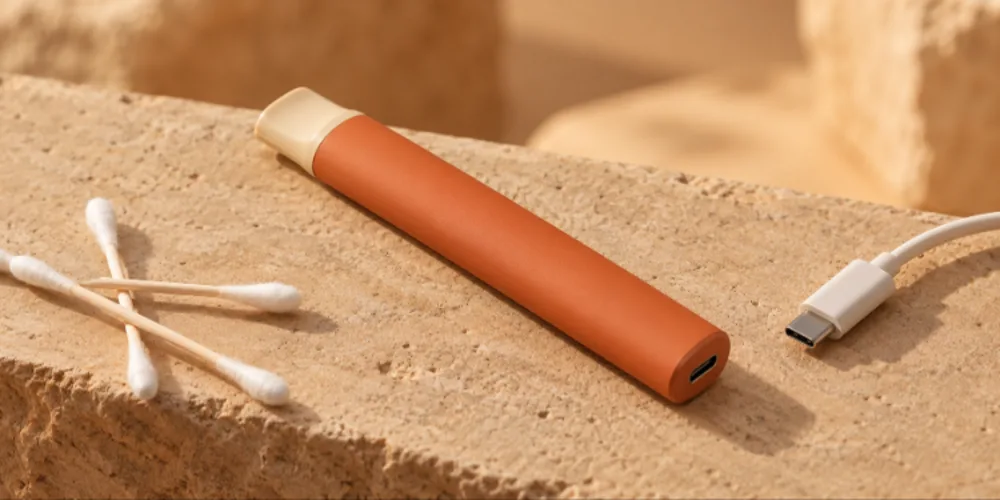
Blinking is the device telling you the battery is too low to fire. Plug it in with a cable you know works and leave it until the light shows it is full. If it will not charge, clean the port with a dry cotton swab and try another cable and wall adapter. Our guide on why a vape will not charge has the full checklist.

Done with disposables?
Shop 510 batteries
Rechargeable batteries with preheat and adjustable voltage. Free US shipping over $49.99.
Air will not move through it
- Make sure the device is charged.
- Hold it in your closed hand for one to two minutes to warm the oil.
- Take two or three short, gentle draws to loosen the clog.
- Wipe the mouthpiece opening with a cotton swab.
- If it is still tight, let it sit upright at room temperature for 15 minutes and try again.
Never push a pin or needle into the mouthpiece. It can damage the airway or the coil. For more clog fixes, see how to unclog a vape cartridge.
The vapor is weak or tastes burnt
Weak vapor can mean a low battery, so charge it first. If the battery is full and the vapor is still thin, look at the oil window. When the oil is near the bottom and every puff tastes harsh, the device is almost done. Rest it for a few minutes and take a slow puff. If the burnt taste does not go away, it is time to replace it. Our guide on how to tell when your vape is almost empty explains the signs.
It fires on its own
A draw sensor that triggers by itself usually has moisture or residue on it. Stop using it, wipe the mouthpiece and let the device sit upright in a dry place for a few hours. Keep it out of humid bathrooms and away from drinks. If it keeps firing on its own after drying, stop using it.
How do you prevent problems?
- Store it upright so oil stays near the coil.
- Keep it at room temperature, away from hot cars and freezing weather.
- Take slow 2 to 3 second puffs and rest between them.
- Charge it when the light starts blinking.
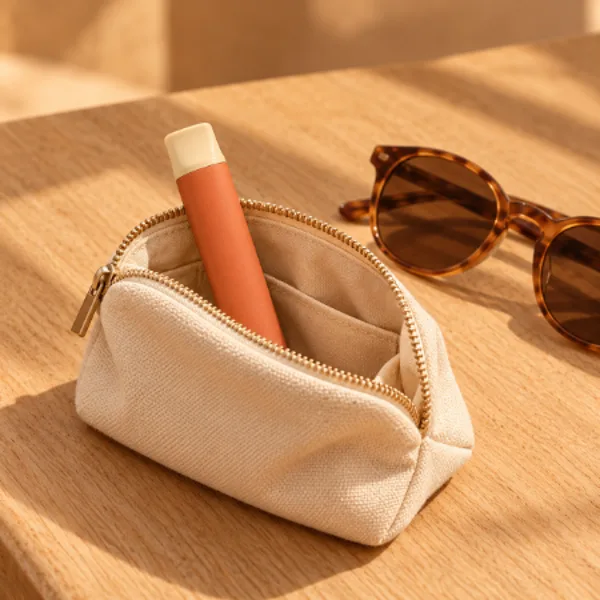
- Keep it in a case so lint stays out of the mouthpiece.
A more reliable option
If you are tired of guessing whether a disposable will work, a rechargeable 510 battery gives you more control and fewer surprises. You can set the voltage, use preheat for thick oil and swap cartridges whenever you like. The Yocan UNI Pro 2 adjusts to fit most cartridges, and the Strio Cartbox Pro keeps the disposable look with five voltage settings and a screen, according to Strio.
Fits almost any cart
Shop the Yocan UNI Pro 2
650mAh, USB-C and adjustable fit, per Yocan. 100% Authentic from top brand names.
Is it the device or how you are using it?
Plenty of disposables that seem broken are actually fine. Draw sensors are designed for a slow, steady inhale, and a quick, hard pull can either miss the sensor or flood the coil with oil. Before you decide the device is faulty, try a few slow draws, like sipping through a straw, for about three seconds each.
Heat settings matter too, on models that have them. A setting that is too high can burn the wick and give a harsh taste even when there is plenty of oil left. Drop to the lowest setting and see if the flavor improves. Our beginner guide to hitting a vape pen covers technique in more detail.
Charging safely
Charge on a hard surface like a desk or nightstand, use a standard wall adapter and unplug the device once the light shows it is full. Never charge a disposable that is wet, cracked, swollen or hot to the touch, and stop using it if it smells like burning. If you are unsure about a battery, replacing it is always the safer choice.
When to contact the seller
If a brand new device will not work after you remove the plugs, charge it and warm it, it may have arrived faulty. Keep the packaging and reach out to the shop you bought it from. Buying from an authorized retailer also reduces the risk of counterfeit hardware, which is a common cause of devices that fail straight out of the box. Our guide on how to spot fake hardware explains what to check.
Frequently asked questions
Why is my Cactus Labs disposable not working?
The most common causes are plugs left in place, a low battery, a clog, cold oil or a blocked sensor. Remove plugs, charge it, warm it and take slow draws.
Why is my Cactus Labs vape blinking?
Blinking usually means the battery is low. Charge it with a USB-C cable for at least 30 minutes.
How do I unclog it?
Warm it in your hand, take a few short gentle draws and wipe the mouthpiece. Do not push anything sharp into it.
Why does it taste burnt?
It is likely nearly empty or overheated. Rest it between puffs. If the taste stays burnt on a full charge, replace it.
Can I charge a Cactus Labs disposable?
Most modern disposables charge over USB-C. Charge it when the light blinks or the vapor gets weak with oil still showing.
Explore more
Shop vaporizers
Batteries, dab pens and dry herb vaporizers. Ships within the USA to adults 21+.
Back in business
Remove the plugs, charge it, warm it and draw slowly. Those four steps fix most disposables. If yours is empty or keeps failing, a rechargeable 510 battery is the dependable next step. It charges reliably, lets you choose your heat and works with any standard 510 cartridge, so one good battery can replace a drawer full of dead disposables. Store whatever you use upright and at room temperature, and most of these problems will never come back.