Description
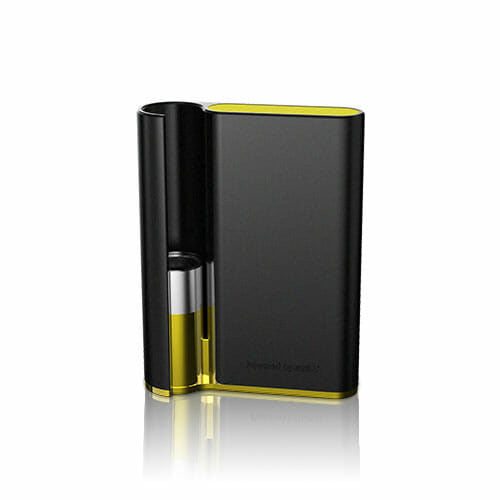
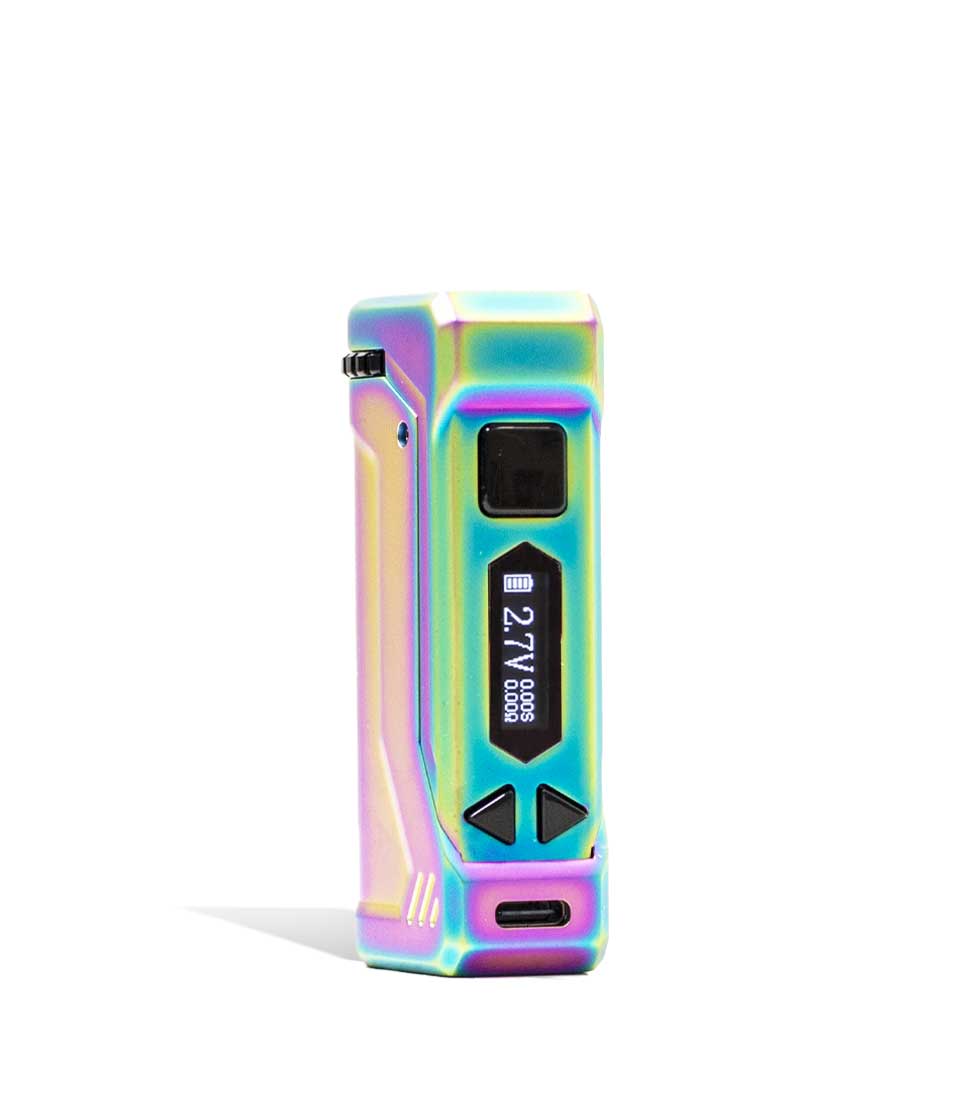
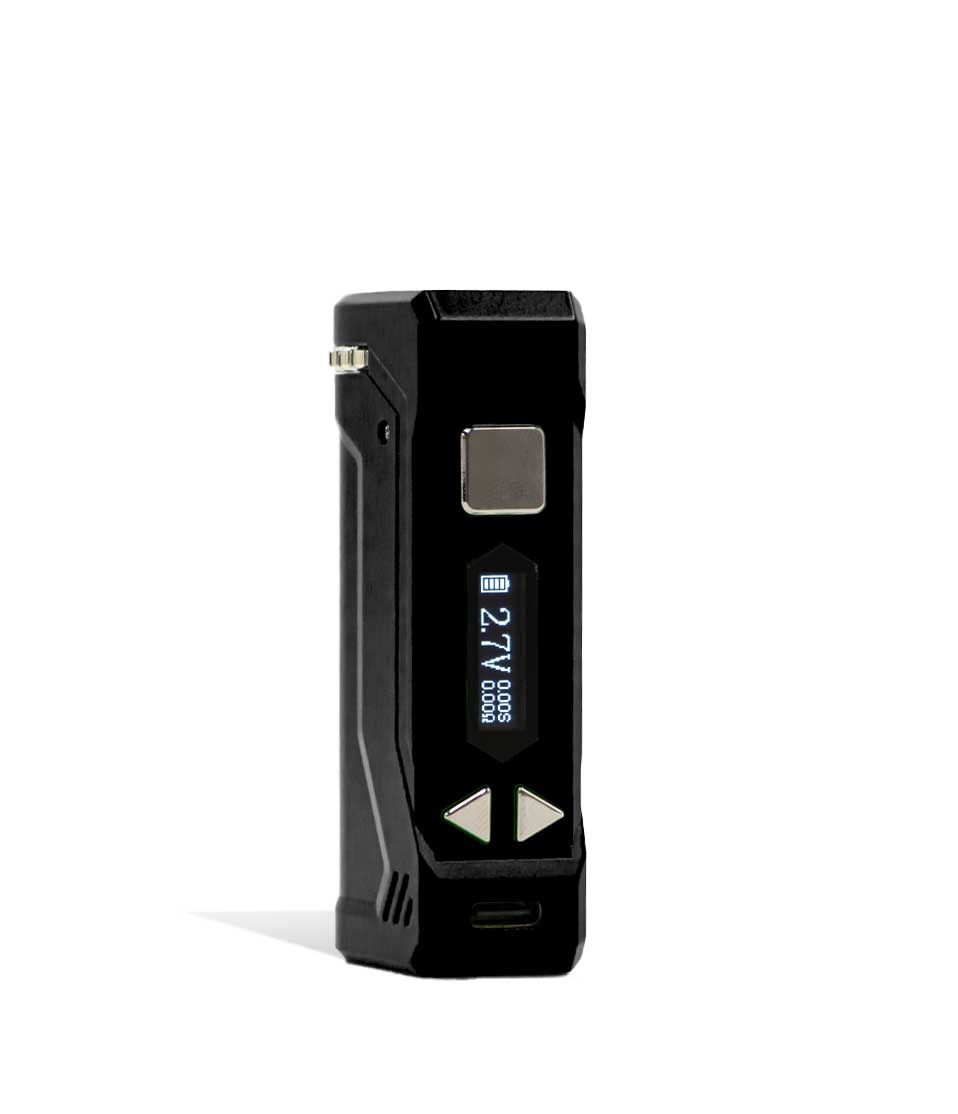
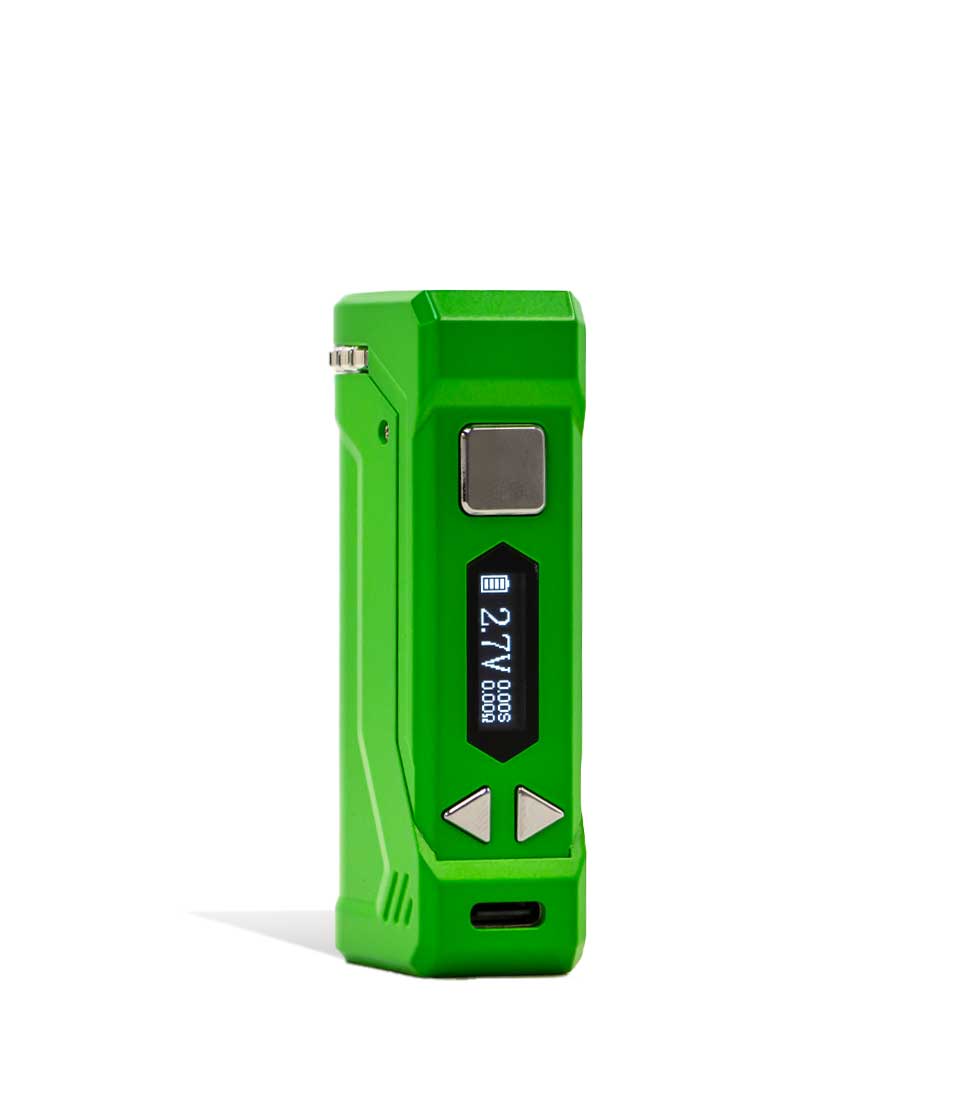
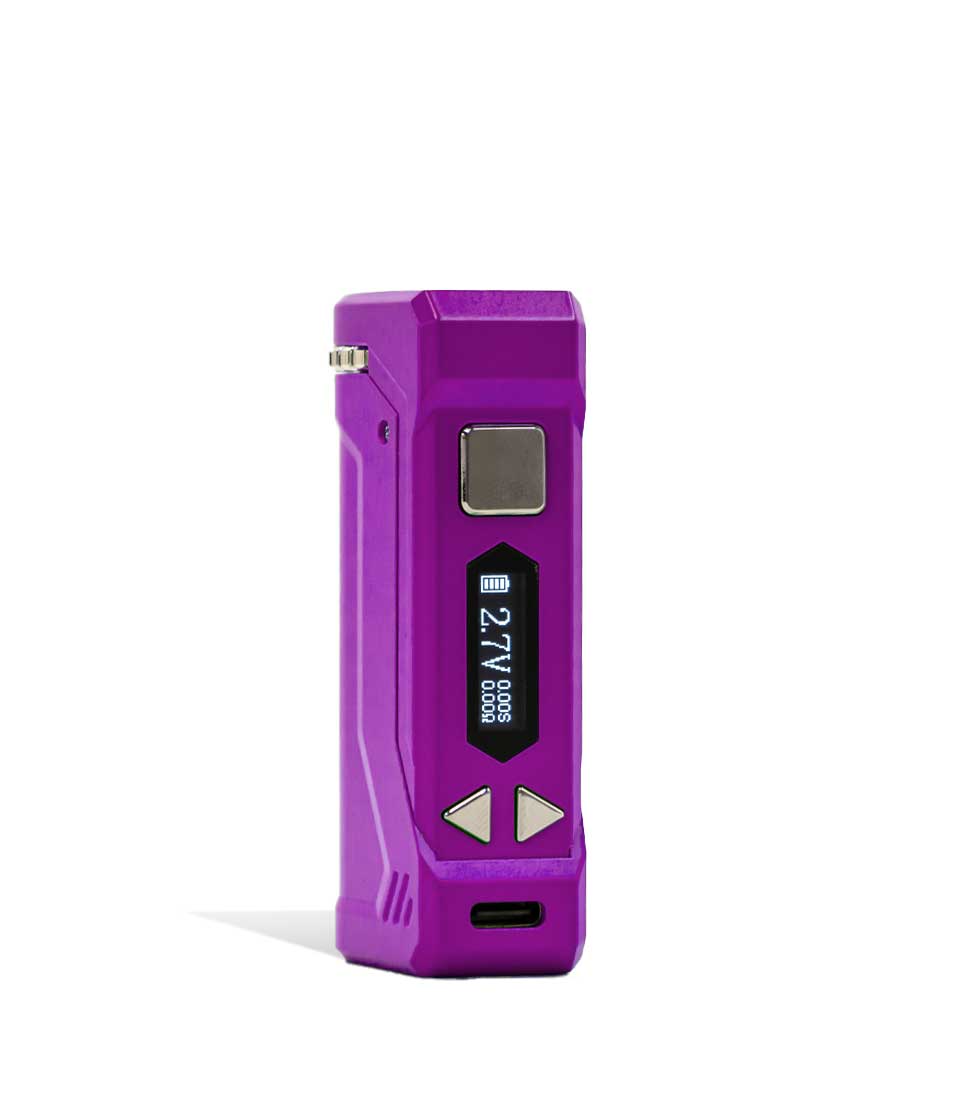
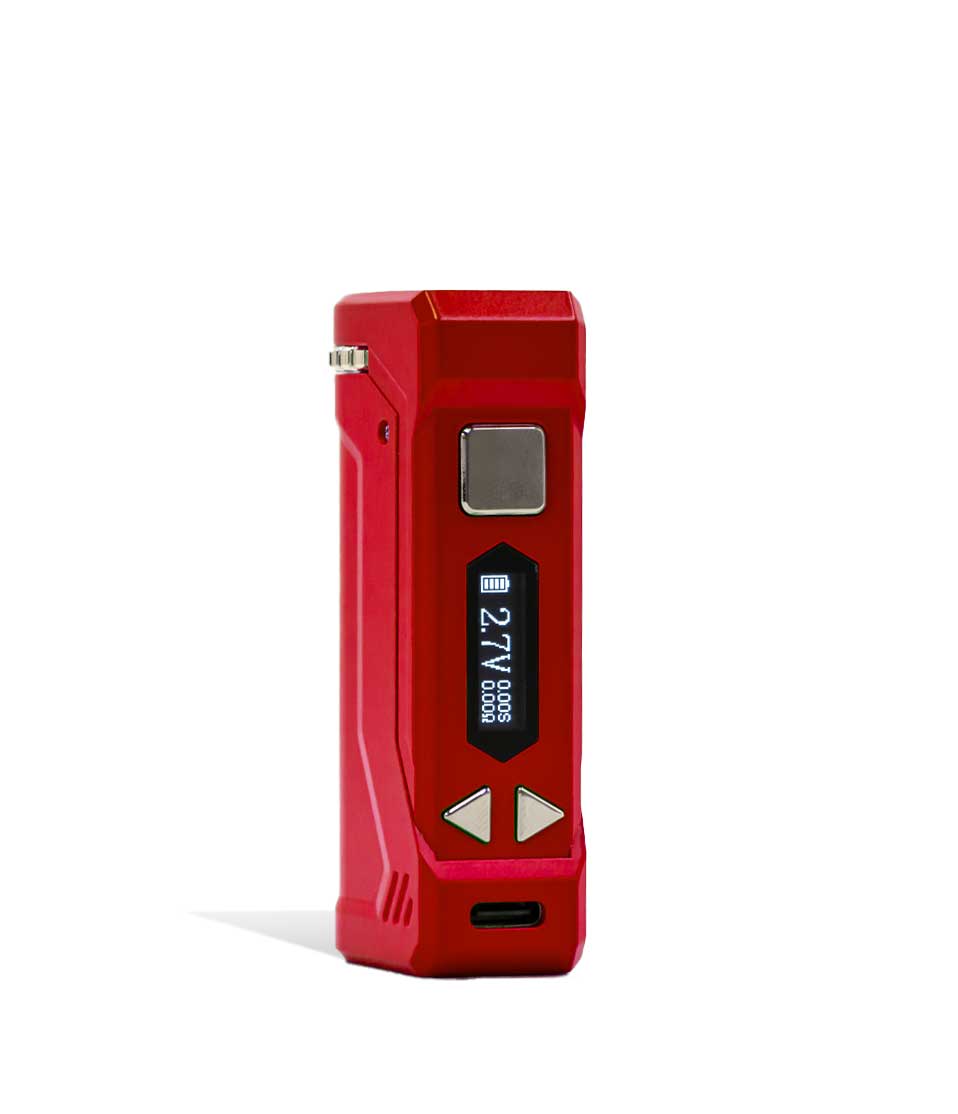
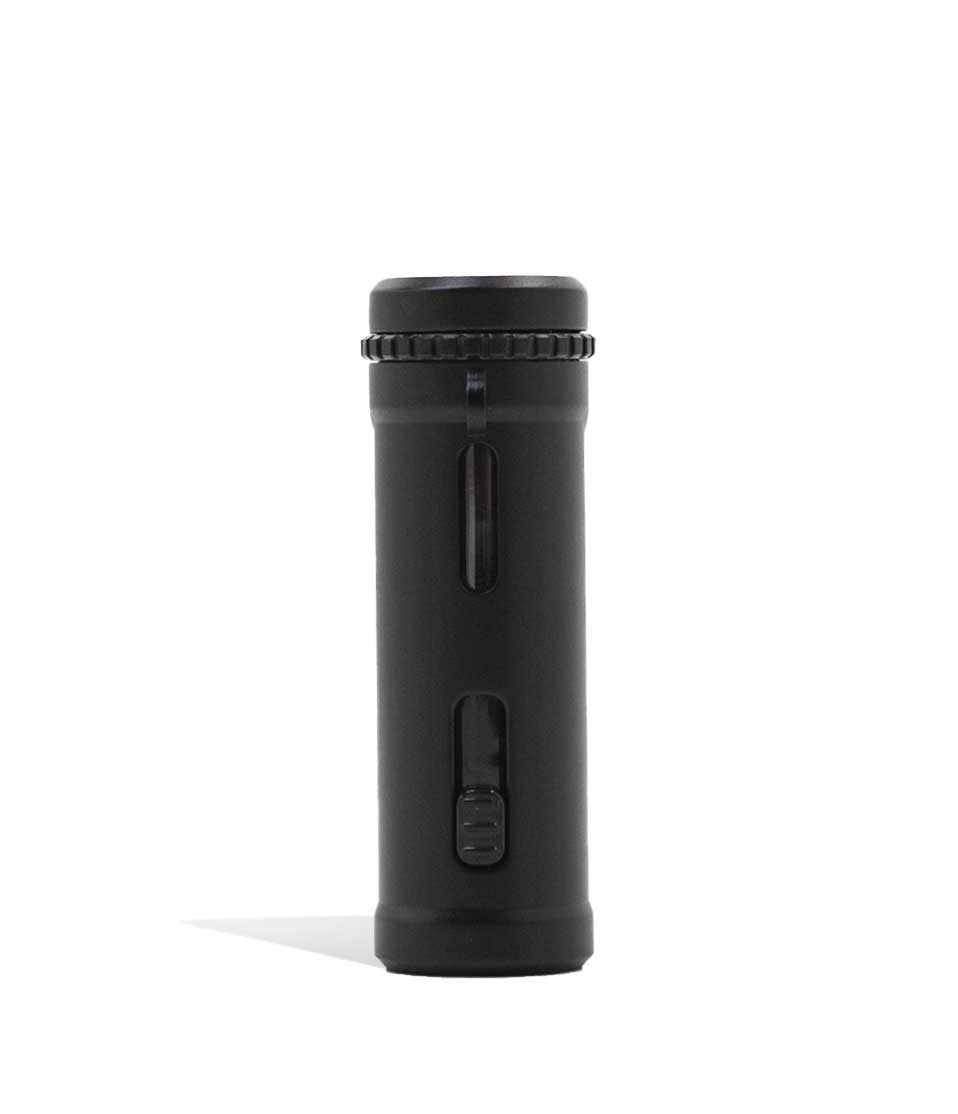
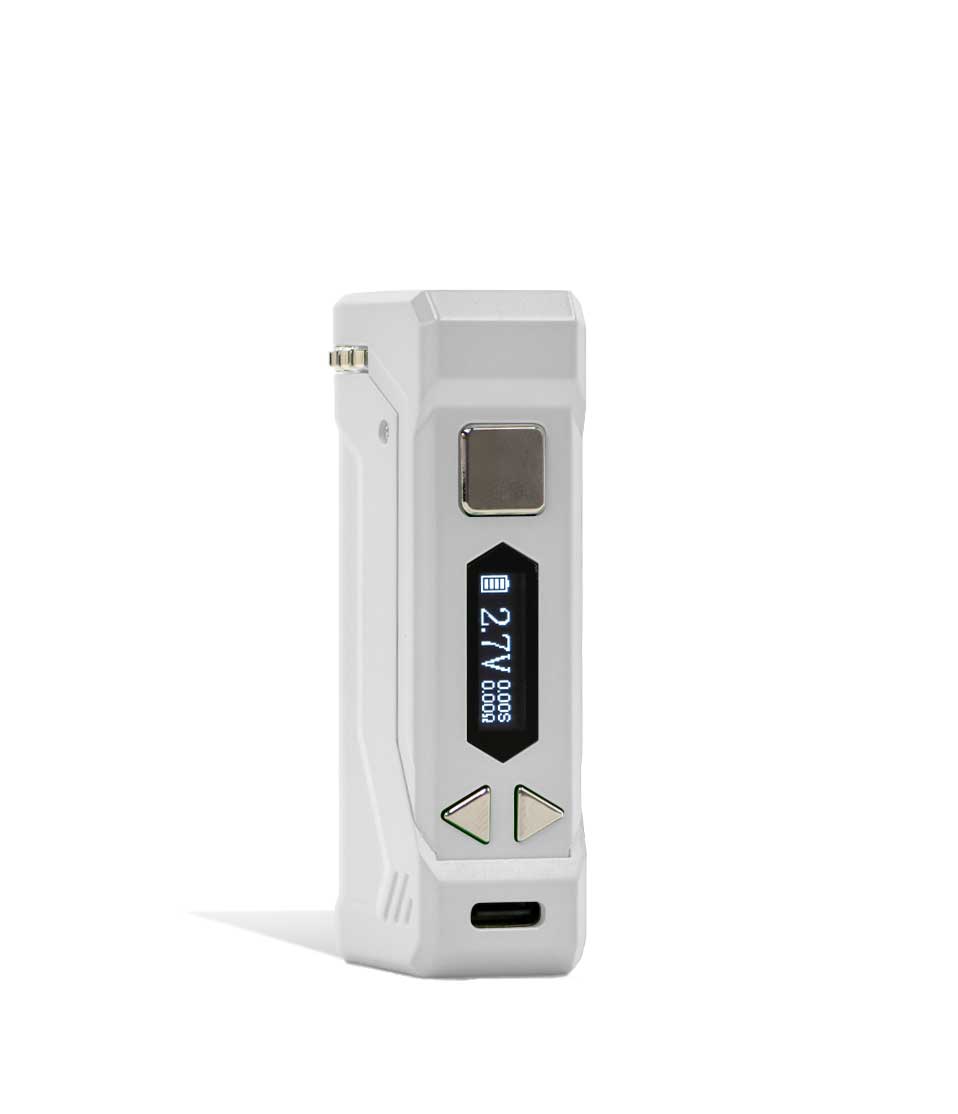
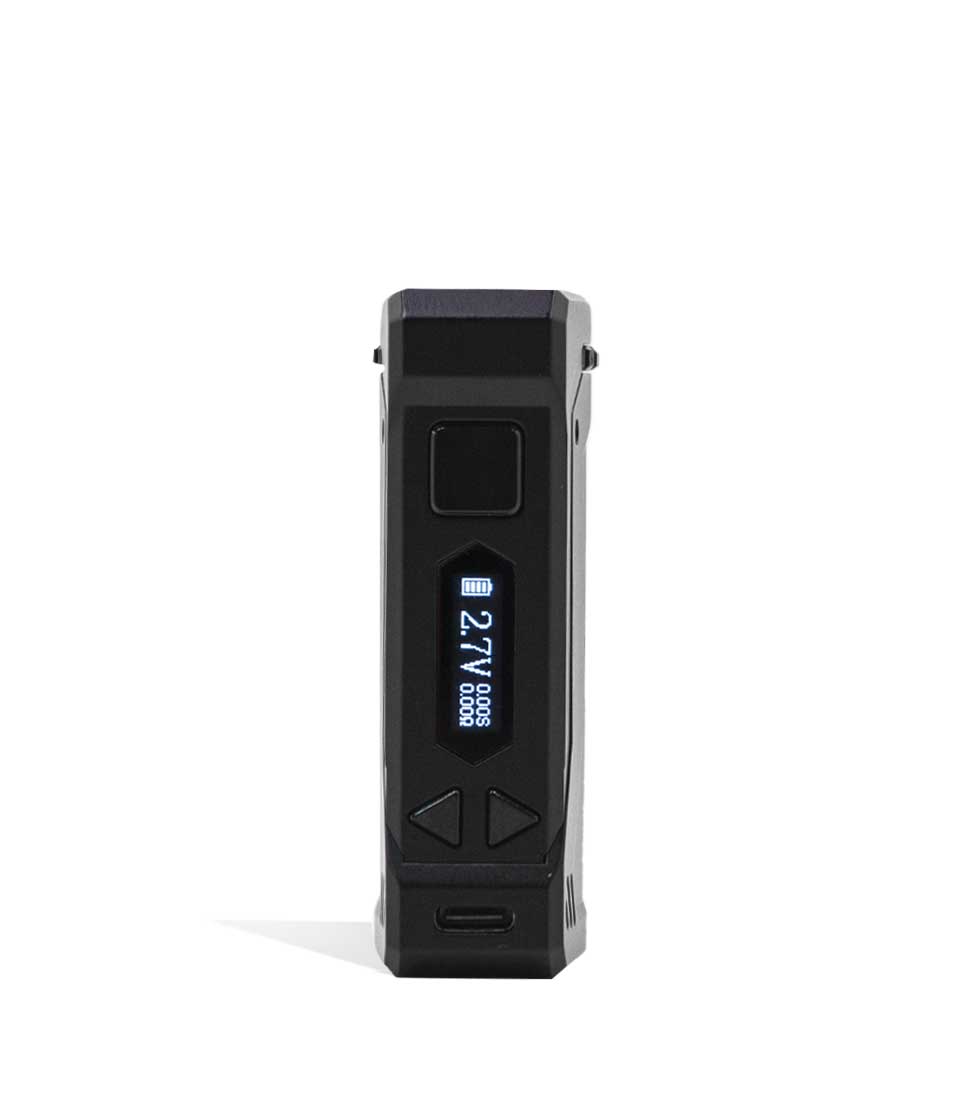
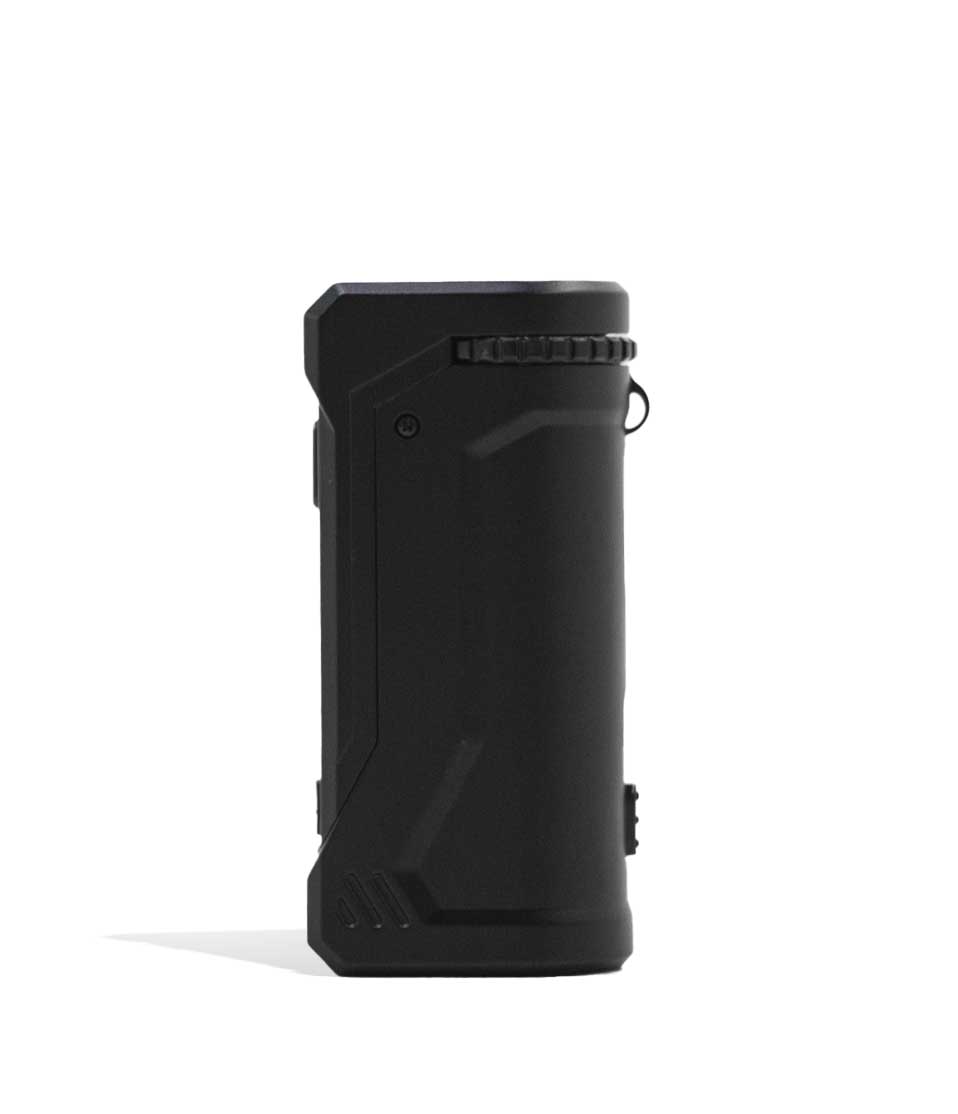
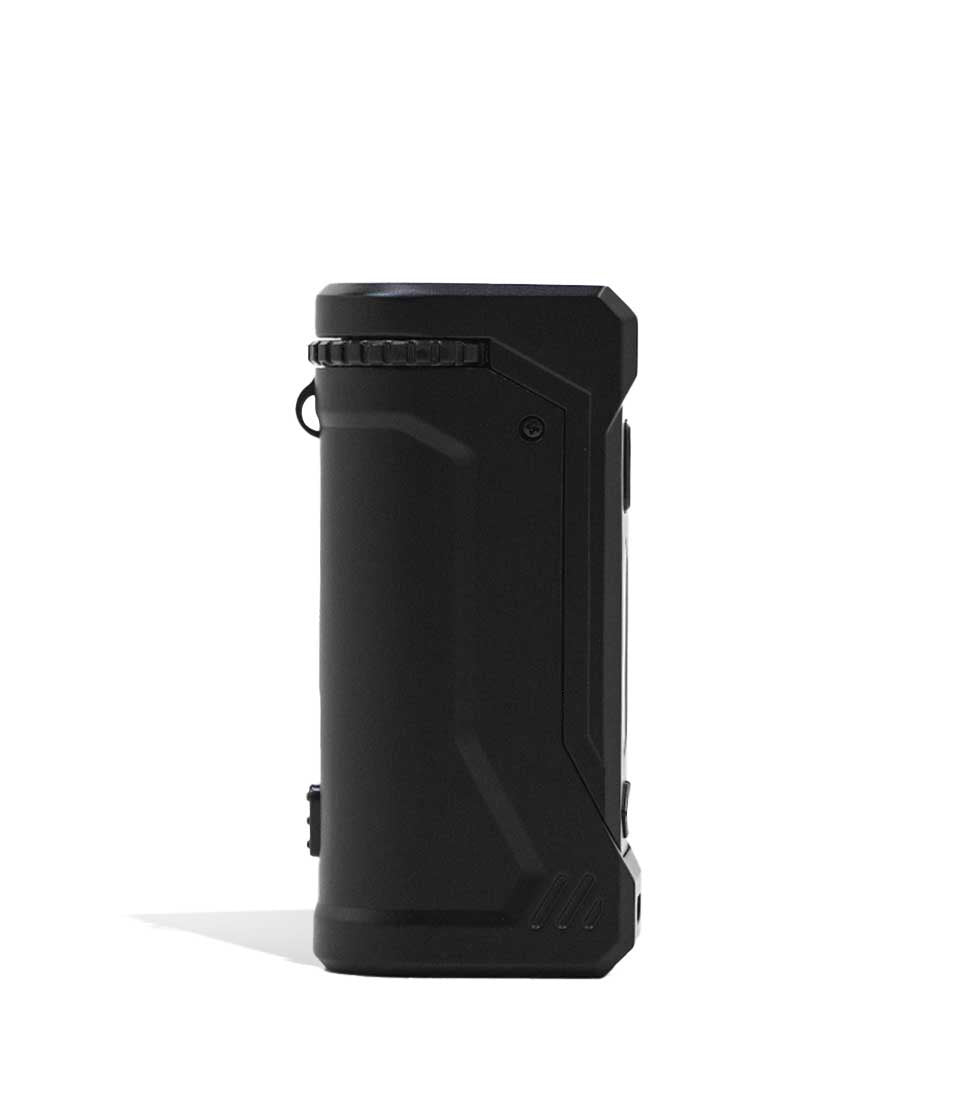
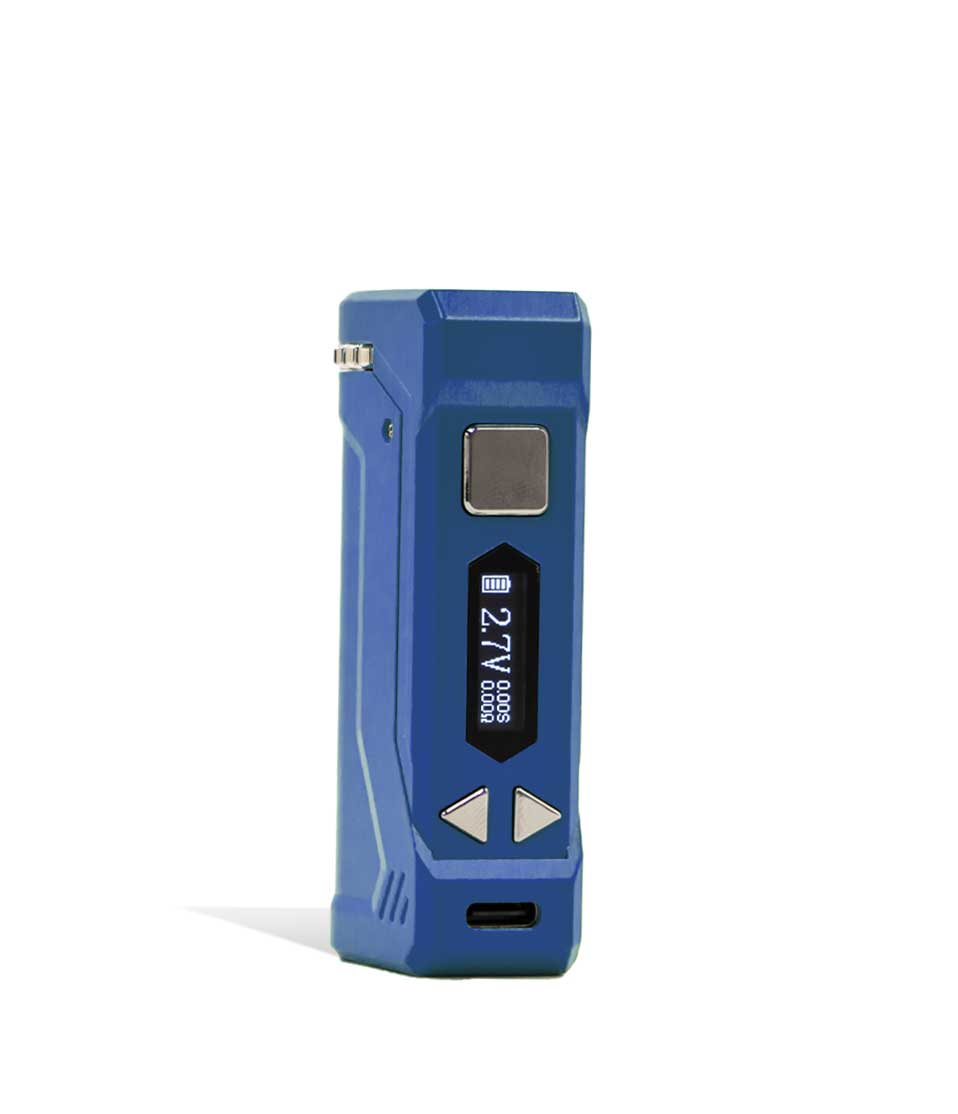
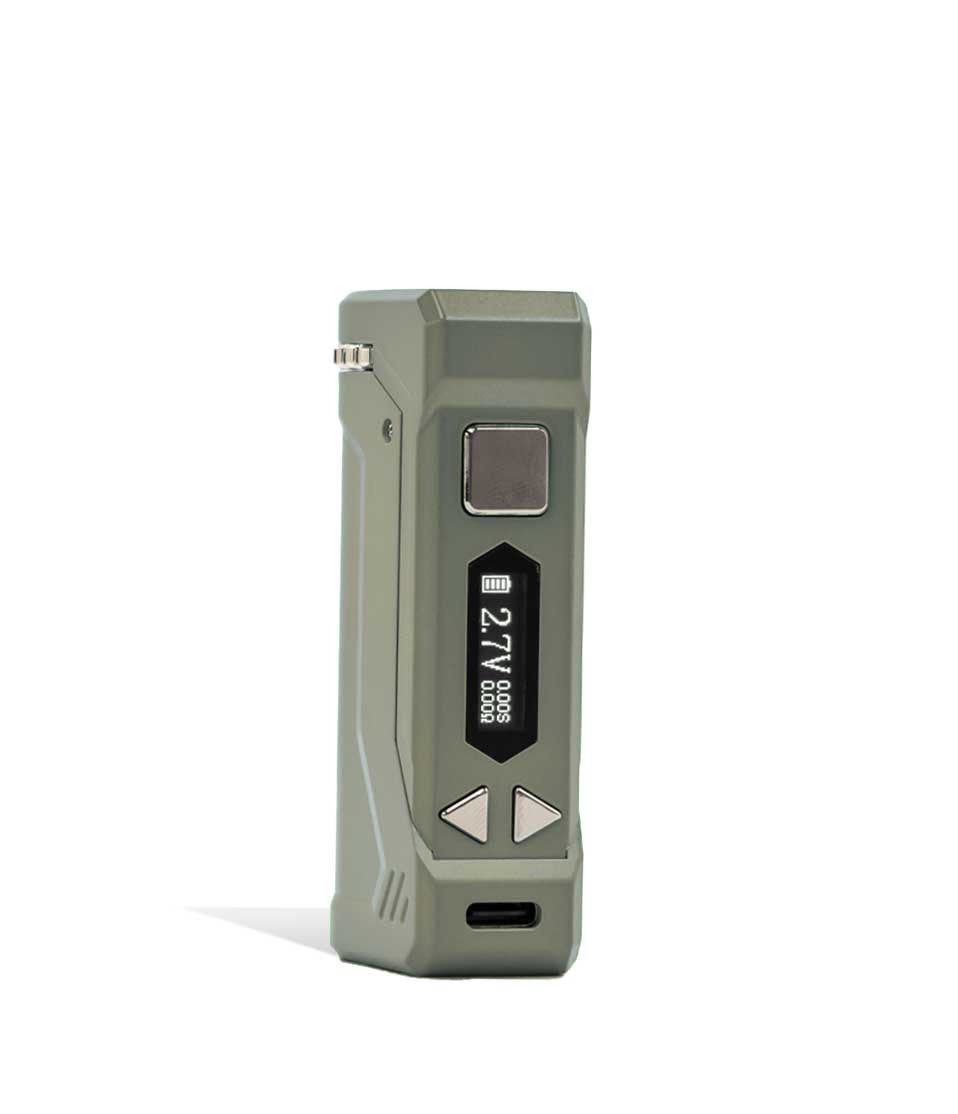
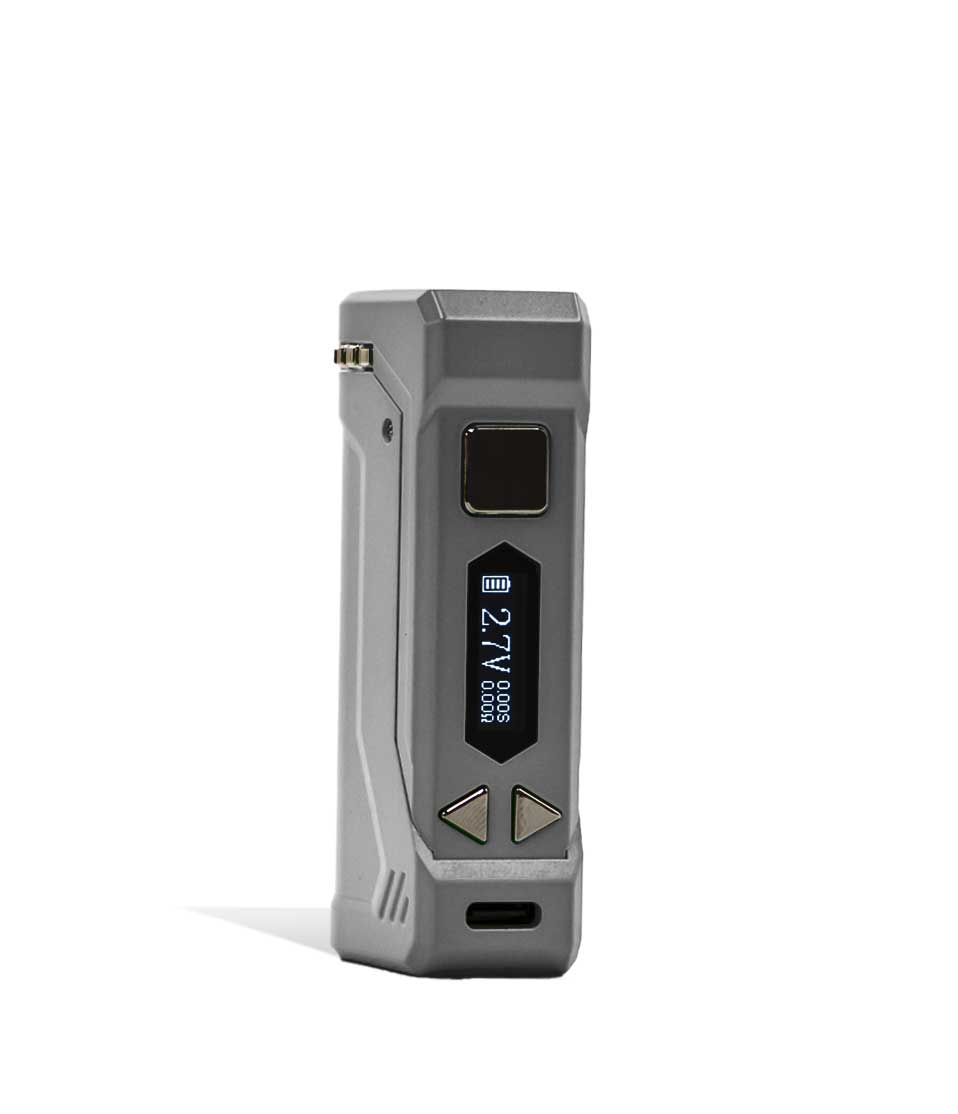
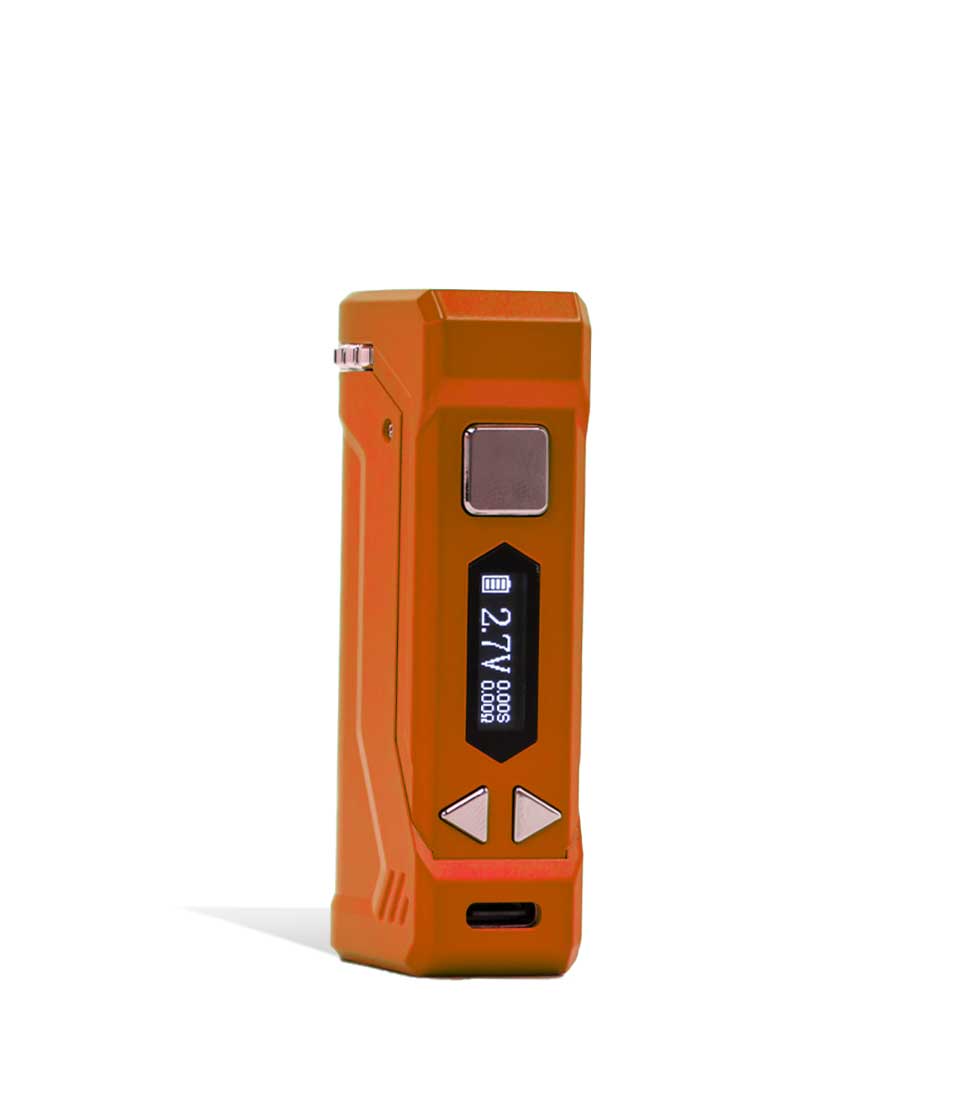
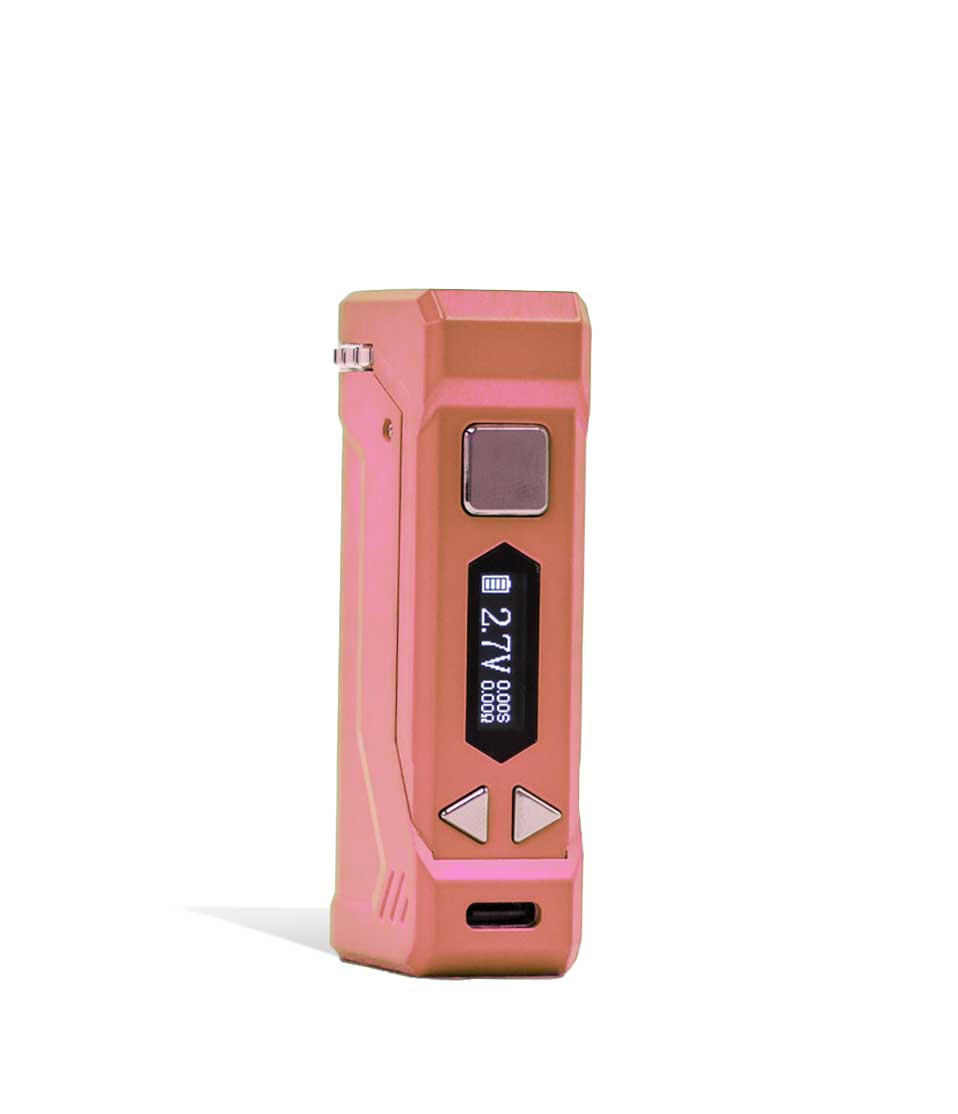
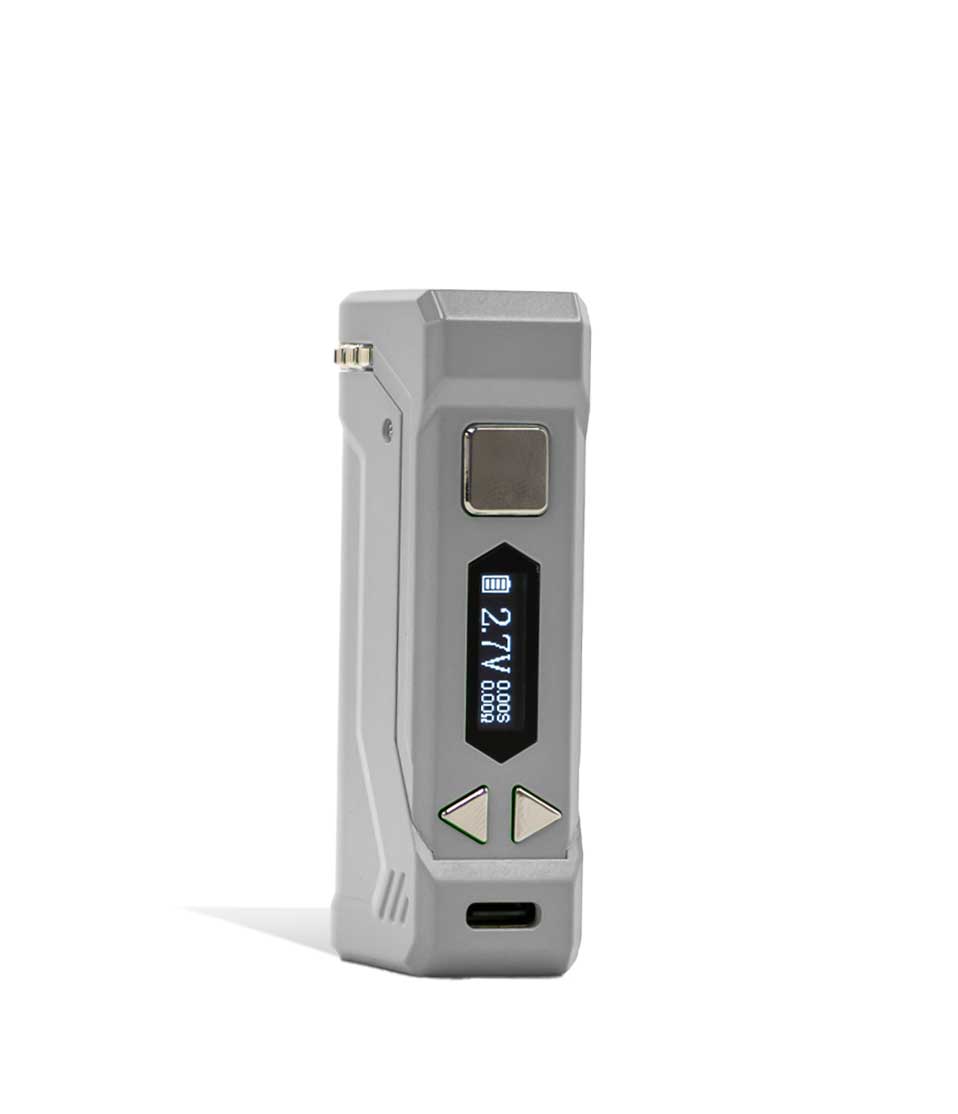
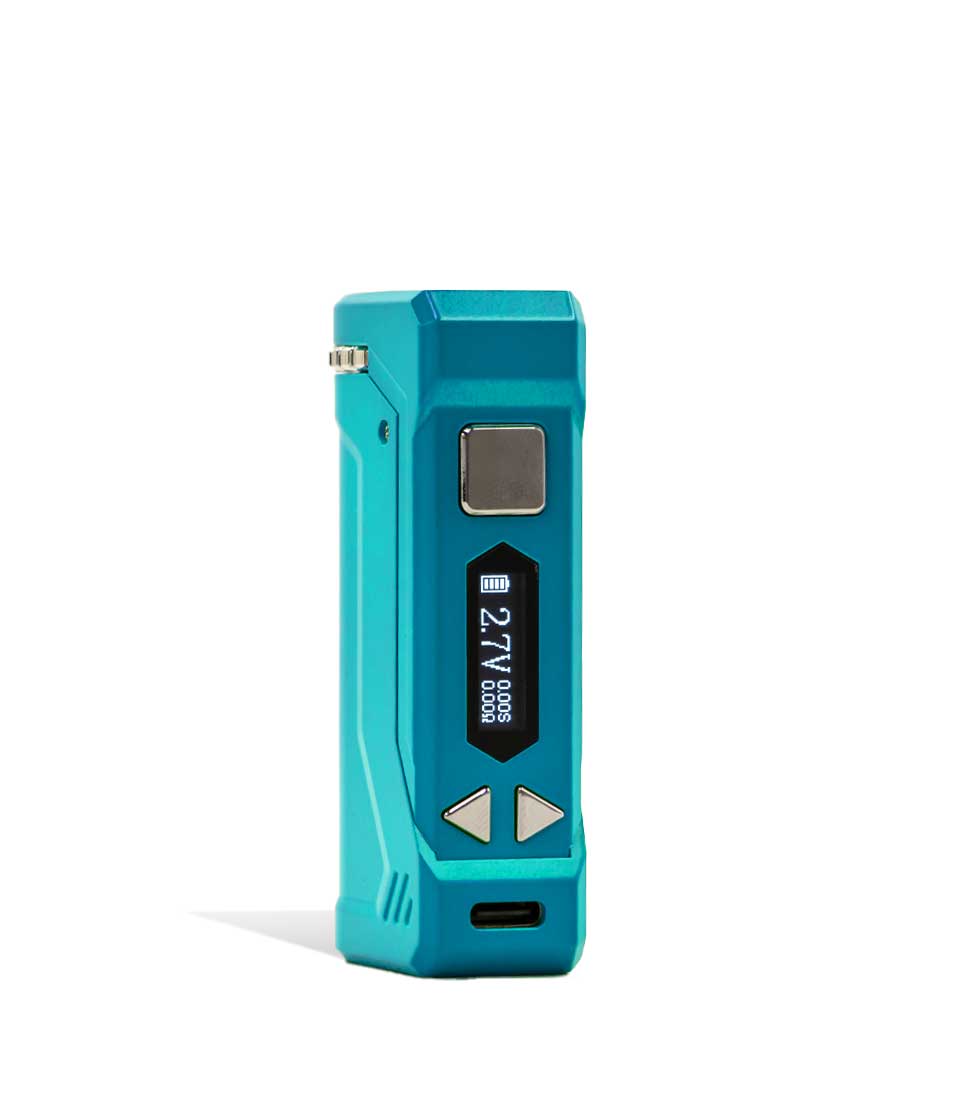
The Yocan UNI Pro 2.0 is an adjustable 510 battery box mod for anyone who uses cartridges of different sizes. Its chamber changes width and height to fit almost any oil cartridge, and the 650mAh battery runs from 1.8 to 4.2 volts in 0.1-volt steps, shown on a bright OLED screen.
Yocan UNI Pro 2.0 Specs
| Battery | 650mAh built-in |
| Voltage range | 1.8V to 4.2V, adjustable in 0.1V steps |
| Preheat | 1.8V preheat mode |
| Charging | USB-C |
| Height | About 75.5mm (just under 3 inches) |
| Body | Zinc alloy metal |
| Display | OLED: battery level, voltage, resistance |
| Compatibility | 510 thread oil cartridges, refillable or pre-filled; adjustable chamber width and height; magnetic 510 ring |
What’s in the Box
- Yocan UNI Pro 2.0 Box Mod
- Magnetic 510 ring
- USB-C charging cable
- User manual
Yocan UNI Pro 2.0 Instructions
- Screw your cartridge into the magnetic 510 ring. Do not overtighten it.
- Adjust the chamber width and height to fit the cartridge, then slide it in until the ring seats on the magnetic connection.
- Press the square power button five times quickly to turn the device on.
- Use the left and right buttons below the screen to set the voltage. Release the button and the setting is applied.
- Press the power button twice to start the 1.8-volt preheat, and twice again to stop it.
- Press and hold the power button while you draw.
Care and Cleaning
Remove the cartridge and magnetic ring, then wipe the body with a dry paper towel to clear dirt or residue. Charge only with the included USB-C cable from a computer or wall adapter. Avoid overtightening the 510 connection. Before use, check that a pre-filled cartridge has nothing blocking the mouthpiece. If thick oil gives you trouble, read how to fix a vape pen cartridge that is clogging.
Yocan UNI Pro FAQ
How do I turn on the Yocan UNI Pro 2.0?
Press the square power button five times quickly.
Will the UNI Pro 2.0 fit my cartridge?
It fits most 510 oil cartridges, refillable or pre-filled, because the chamber adjusts in both width and height.
Does the Yocan UNI Pro have preheat?
Yes. Press the power button twice for a 1.8-volt preheat, and twice again to stop it.
What voltage should I use?
Start near the low end of the 1.8V to 4.2V range and raise it 0.1V at a time until the flavor and vapor suit you.
How do I charge it?
Plug the included USB-C cable into the port below the adjustment buttons, then into a computer or wall adapter.
Every UNI Pro 2.0 is 100% Authentic from top brand names, with free US shipping on orders over $49.99 to adults 21+. Shop more 510 thread batteries or see all Yocan devices.


Reviews
There are no reviews yet.