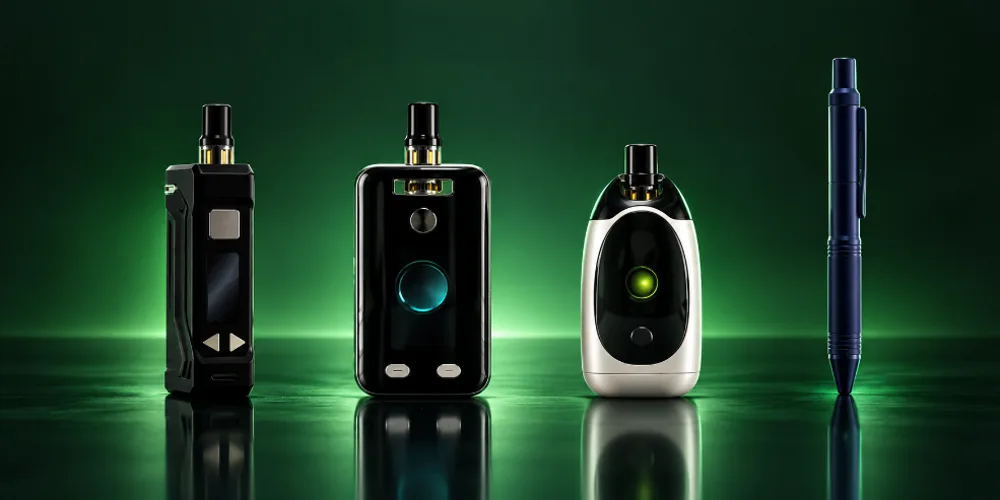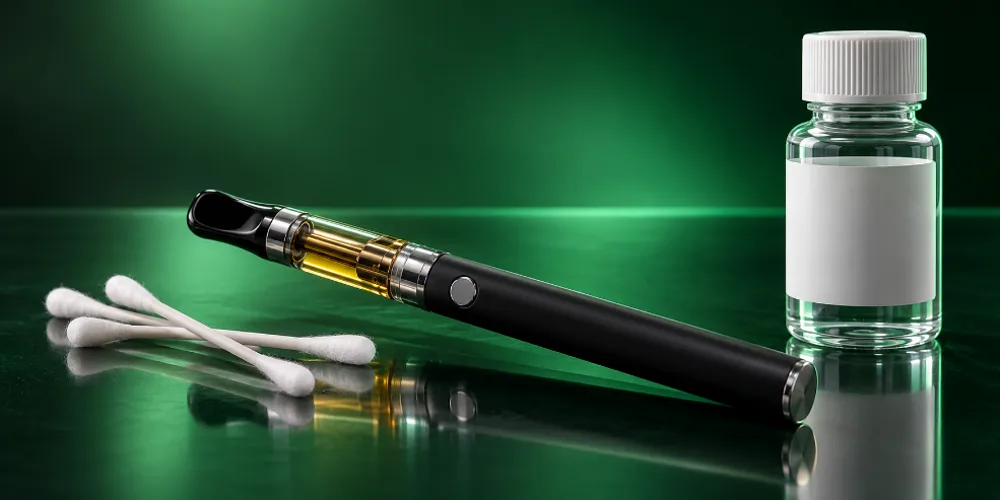

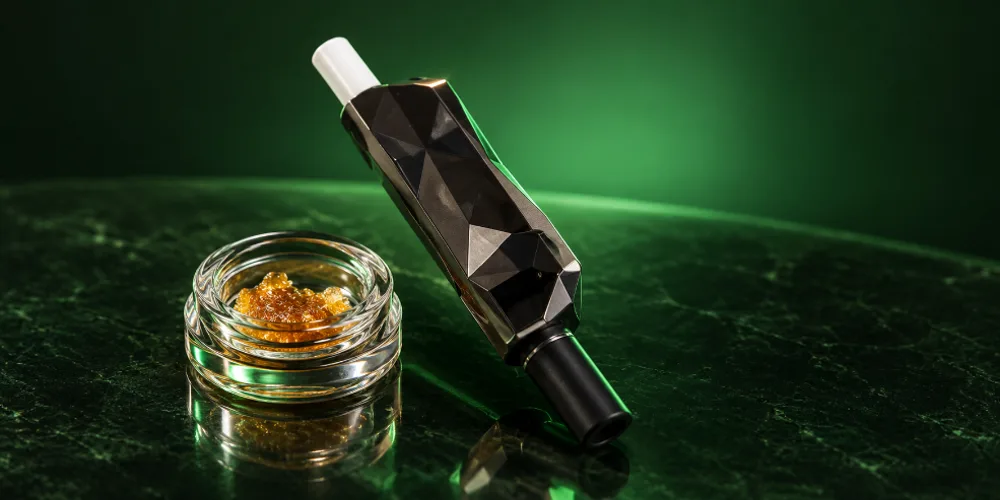
To use most Ooze pens, press the power button five times quickly to turn it on, attach your cartridge, then press and hold the button while you inhale. Press twice for preheat. Twist Slim Pen 2.0 owners can also draw without pressing and adjust voltage with the dial on the bottom.
Key takeaways
- Five quick clicks turns Ooze batteries on and off.
- Two clicks starts preheat; one click ends it.
- The Twist Slim Pen 2.0 adjusts from 2.0V to 4.0V with a bottom dial, per Ooze.
- The Ooze Pronto heats a coil tip you touch straight to concentrate, with three levels: 2.6V, 3.4V and 3.8V.
How do you turn on an Ooze pen?
Press the power button five times quickly. The light flashes to confirm the pen is on. Repeat five clicks to turn it off.
This works on Ooze Twist batteries, the Twist Slim Pen 2.0 and the Ooze Pronto. The Pronto also shuts itself off automatically after 3 minutes, according to its manual.
Power
5 clicks
Turns the pen on or off.
Preheat
2 clicks
Warms the cart or coil; 1 click ends it.
Heat
3 clicks
Cycles heat levels on the Pronto.
Hit
Hold
Press and hold the button while you inhale.
How do you use an Ooze Twist Slim Pen 2.0?
Turn it on with five clicks, screw on a 510 cart, set your voltage with the dial on the bottom, then press and hold while you inhale or just inhale for auto draw.
How to use the Ooze Twist Slim Pen 2.0 battery with a 510 cartridge.
Total time: 2 minutes
-
Charge it
Plug a Type-C cable into the port near the button. The light blinks red while charging, and you can use it while it charges.
-
Turn it on
Press the power button five times quickly.
-
Attach your cartridge
Screw a 510 thread cartridge on until it locks in place. Do not overtighten.
-
Set the voltage
Twist the dial at the bottom. Turn right to raise voltage and left to lower it, within a 2.0V to 4.0V range.
-
Preheat if needed
Press the button twice to start preheat or Prep Mode, which helps clear clogs. Press once to stop.
-
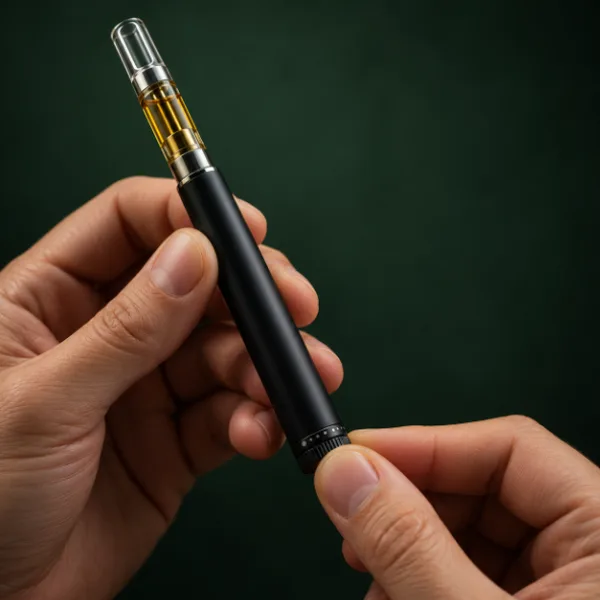
Take a hit
Press and hold the button while you inhale, or simply inhale to use auto draw.
What do the lights on an Ooze pen mean?
Ooze uses lights to show charging, battery level and connection problems. Here is what the Twist Slim Pen 2.0 and Twist battery manuals list.
| Light | Meaning | Model |
|---|---|---|
| Blinking red | Charging | Twist Slim Pen 2.0 |
| Flashes 15 times | Battery needs charging | Twist Slim Pen 2.0 |
| Flashes 4 times | Connection issue | Twist Slim Pen 2.0 |
| Flashes green, then off | Cycle complete | Twist Slim Pen 2.0 |
| Green / white / red | 100% / 50% / 0% battery | Twist battery |
| Green flashes 10 times | Preheat stopped after 20 seconds | Twist battery |

Ready for your next pen
Shop Ooze
Ooze batteries, Pronto and accessories. Free US shipping over $49.99.
How do you use an Ooze Twist battery?
Click five times to turn it on, attach your cart, choose a heat level and press the button while you inhale. Click twice for preheat and once to stop it.
According to Ooze, the Twist battery offers four preset levels: 3.3V, 3.8V, 4.3V and 4.8V, and it comes in 650mAh, 900mAh and 1100mAh sizes. Charge it with the Ooze charger: the charger light flashes red while charging and turns green when full. Preheat stops on its own after 20 seconds as a safety feature.
How do you use the Ooze Pronto?
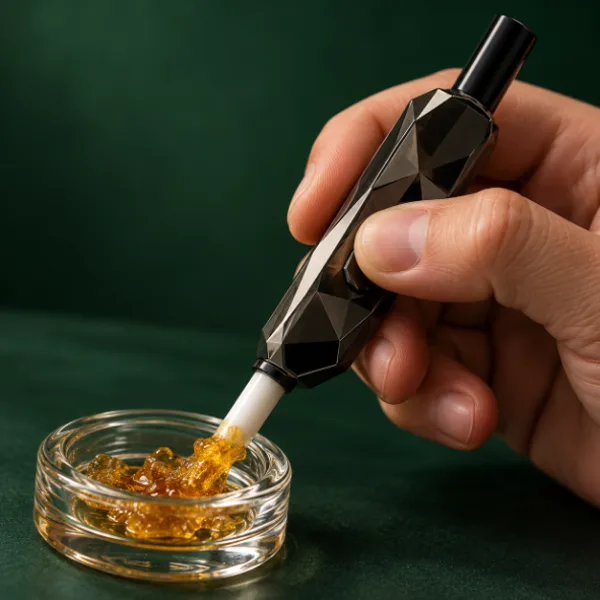
The Ooze Pronto is an electric nectar collector. Turn it on with five clicks, press three times to pick a heat level, then hold the button and touch the coil tip to your concentrate while you inhale.
- Charge it with a Type-C cable plugged into the side port.
- Press the power button five times quickly to turn it on.
- Press three times to cycle through 2.6V, 3.4V and 3.8V.
- Press and hold the button to heat the coil. Ooze notes a small wisp rises when the coil is hot enough.
- Keep holding, touch the coil tip to your concentrate and inhale.
- Release the button and let the tip cool before setting it down.
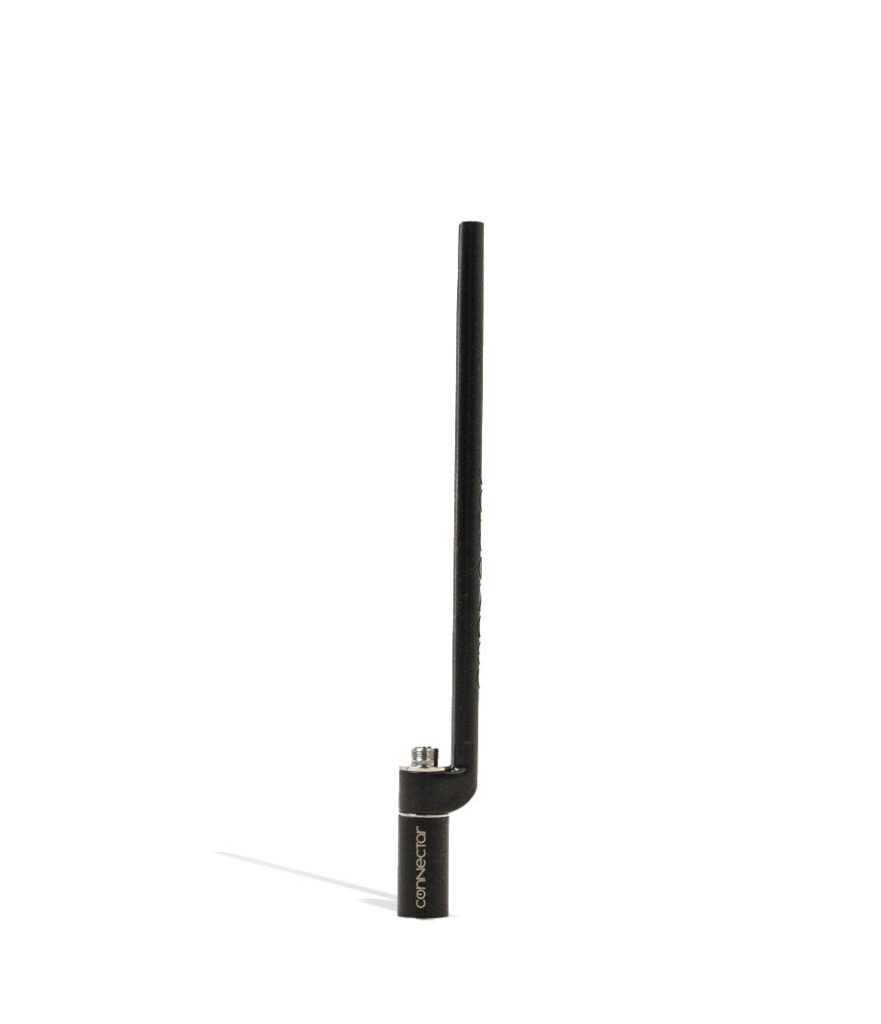
Shop the Ooze Pronto or pair a 510 battery with the Ooze ConNectar dab straw attachment.
Dab without a torch
Shop dab pens
Electric nectar collectors and wax pens. 100% Authentic from top brand names.
Why is my Ooze pen not hitting?
Check that it is charged and switched on, then reseat the cart and clean the contacts. On the Twist Slim Pen 2.0, four flashes signal a connection issue and fifteen flashes mean it needs charging.
- Press five times to make sure it is on.
- Charge it fully.
- Unscrew the cart, wipe the threads with a dry cotton swab and reattach it.
- Use preheat or Prep Mode to loosen thick oil.
- Lower the voltage if hits taste burnt.
For a full checklist, see why your cart is not hitting. Model-specific manuals are on the Ooze manuals page.
How do you charge an Ooze pen?
Most current Ooze pens charge by Type-C, while threaded Twist batteries use the Ooze USB smart charger. Always use the charger Ooze supplies, since the warranty does not cover batteries damaged by non-Ooze chargers.
| Model | How to charge | What the light shows |
|---|---|---|
| Twist Slim Pen 2.0 | Type-C port near the button, or screw on the Ooze smart USB charger | Blinks red while charging |
| Twist battery | Screw on the Ooze charger | Charger flashes red, turns green when full |
| Pronto | Type-C port on the side | See manual |
With the Twist Slim Pen 2.0, you can keep using the pen while it charges. For the threaded charger, screw it onto the battery like a cartridge and plug the USB end into a wall adapter.
Shop Ooze vaporizers we carry
In stock now and ready to ship. Free US shipping over $49.99.
Frequently asked questions
How do you turn off an Ooze pen?
Press the power button five times quickly, the same way you turn it on. The light flashes to confirm. Turning it off when you put it away prevents accidental firing in a pocket or bag. The Ooze Pronto also shuts off on its own after 3 minutes of inactivity.
How do you preheat an Ooze pen?
Press the power button twice quickly to start preheat, and press once to stop it. On the Twist battery, preheat stops automatically after 20 seconds. On the Twist Slim Pen 2.0, two clicks also run Prep Mode, which helps clear clogs and gets the coil ready.
What voltage should I use on my Ooze pen?
Start low and work up. The Twist Slim Pen 2.0 adjusts from 2.0V to 4.0V with its dial, and the Twist battery offers 3.3V, 3.8V, 4.3V and 4.8V. Lower settings taste smoother and protect the coil; raise it only if hits feel weak.
Why is my Ooze pen blinking?
Blinking usually means the battery needs charging or there is a connection problem. On the Twist Slim Pen 2.0, 15 flashes means charge it and 4 flashes points to a connection issue. Blinking red while plugged in means it is charging. Clean the threads and reseat the cart.
How long does an Ooze pen take to charge?
Charge time depends on the model and battery size. Twist batteries come in 650mAh, 900mAh and 1100mAh versions, and larger batteries take longer. With the Ooze charger, the light turns from flashing red to green when the battery is full.
Power that lasts
Shop 510 batteries
Pen, box and disguised batteries. Ships within the USA to adults 21+.
Get the most from your Ooze
Five clicks on, two for preheat and hold to hit. Keep the threads clean and start at a low setting, and your Ooze pen will stay smooth. Compare more options in our best 510 batteries guide.