
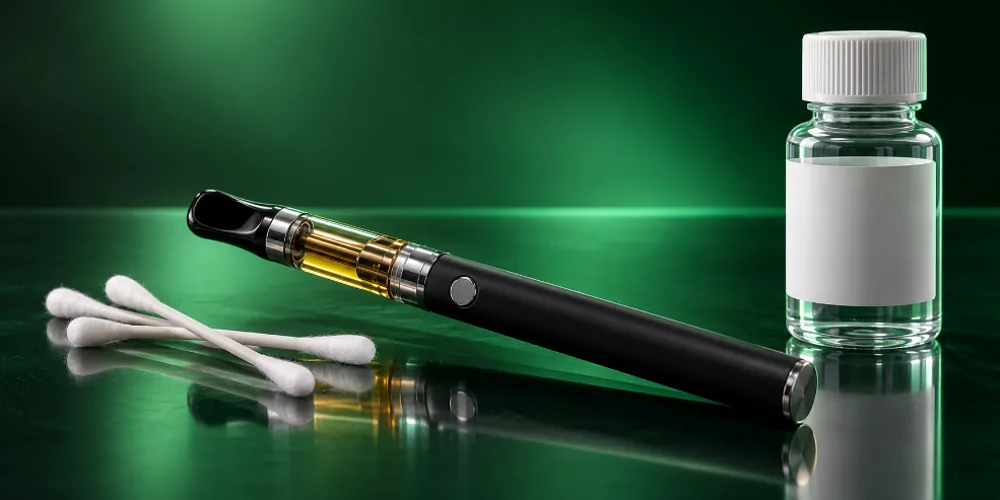
A cart usually stops hitting because of a dead or locked battery, a poor connection at the 510 threads, a clogged mouthpiece or thick oil that will not flow. Charge and unlock the battery, clean the contacts, adjust the center pin gently, clear the airway and warm the cart with a preheat.
Key takeaways
- Most cart problems are battery or connection problems, not a broken cart.
- Clicking the button five times turns most 510 batteries on or off.
- Residue on the threads and center pin blocks power. A dry cotton swab often fixes it.
- Thick oil and cold weather cause clogs. Preheat or warm the cart in your hand.
Why is my cart not hitting?
The most common causes are a battery that is off, locked or dead, a weak connection between cart and battery, a blocked airway and oil that is too thick to reach the coil. Work through them in order, from easiest to hardest.
Power
Battery
Off, locked or out of charge. Check the light first.
Contact
Connection
Dirty threads or a sunken center pin stop power reaching the cart.
Air
Clog
Oil in the mouthpiece or airflow hole blocks your draw.
Oil
Viscosity
Thick or cold oil cannot reach the coil to vaporize.
How do you fix a cart that is not hitting?
Try these steps one at a time and test the cart after each. Most carts start working again by step four.
Troubleshoot a 510 thread cartridge that is not hitting.
Total time: 10 minutes
-
Charge the battery
Plug the battery in and let it charge fully. A low battery often blinks when you press the button.
-
Turn it on or unlock it
Press the button five times quickly on most 510 batteries. The light usually flashes to confirm it is on.
-
Check the connection
Unscrew the cart, then screw it back on until snug. Overtightening can push the center pin down; too loose and power will not flow.
-
Clean the contacts
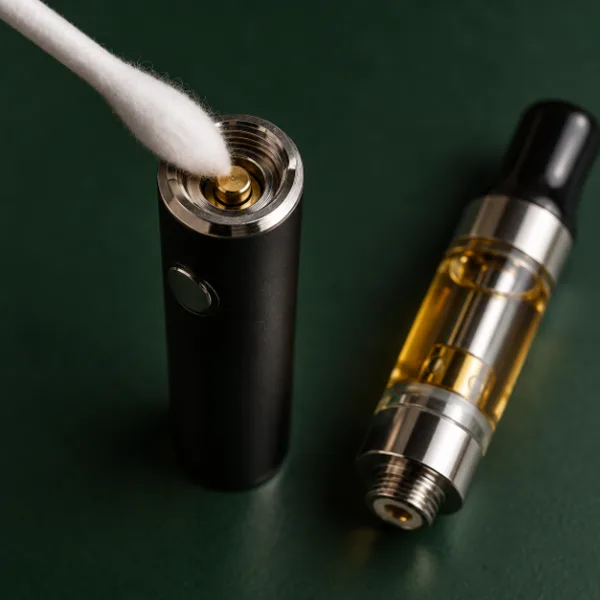
Wipe the threads on the battery and cart with a dry cotton swab. Use a little isopropyl alcohol for stubborn residue, then let it dry fully.
-
Lift the center pin
With the battery off, use a toothpick to lift the battery center pin very slightly if it looks sunken.
-
Clear the airway
Blow gently through the mouthpiece or take a few dry pulls without pressing the button to clear oil from the airflow.
-
Preheat the cart
Use your battery’s preheat mode, often two clicks, or hold the cart in your hand for a minute to warm thick oil.
-
Try a higher voltage
If the hit is weak, step up the voltage one setting. If it tastes burnt, step it back down.

Battery acting up?
Shop 510 batteries
Variable-voltage batteries with preheat, from pen style to box style. Free US shipping over $49.99.
What do the blinking lights on a 510 battery mean?
Blinking patterns vary by brand, but most batteries use them for the same few warnings. Check your manual for your exact model.
| What you see | Common meaning | What to try |
|---|---|---|
| Light flashes 3 times | Low battery | Charge it fully |
| Light flashes 5 times | Turned on or off | Press five times to switch it back |
| Rapid flashing when pressed | Short circuit or bad connection | Clean the contacts and reseat the cart |
| No light at all | Dead battery or locked | Charge, then press five times |
| Light stays on after release | Stuck button or auto-draw issue | Remove the cart and contact the seller |
Why is my cart hitting but tastes burnt?
A burnt taste usually means the voltage is too high or the coil is running dry. Lower the voltage, take shorter pulls and let the oil settle back onto the coil between hits.
If a cart tastes burnt from the first hit and nothing helps, the coil may be damaged. Carts with ceramic coils, like those from CCELL, are designed to run at lower voltages, so starting low is a good habit.
How do you unclog a cart?
Warm it up, then clear it. Most clogs are thick oil that has cooled in the mouthpiece or airflow hole.
- Use the preheat setting, or hold the cart in your hand for a minute.
- Take a few gentle pulls without pressing the button.
- Remove the mouthpiece if your cart allows it and wipe away oil.
- Run a clean paperclip or toothpick through the mouthpiece gently to clear residue.
- Store carts upright and somewhere warm to stop clogs coming back.
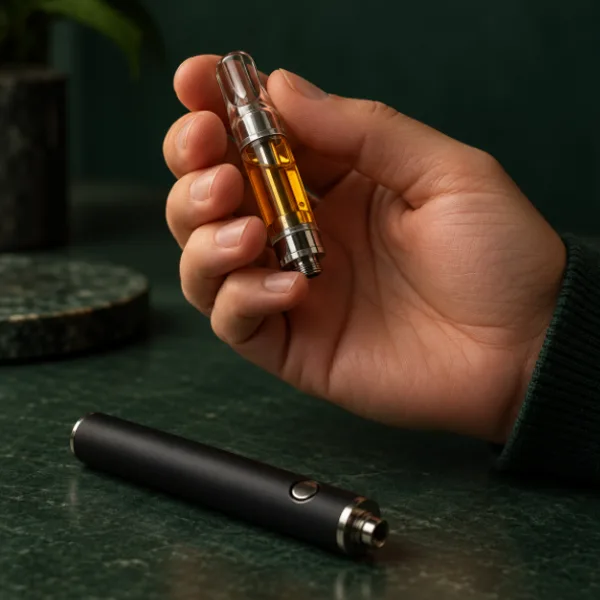
When should you replace the battery?
Replace the battery if it no longer holds a charge, will not light up after charging, or fails with several different carts. Test with a second cart first: if that cart works on another battery but not yours, the battery is the problem.
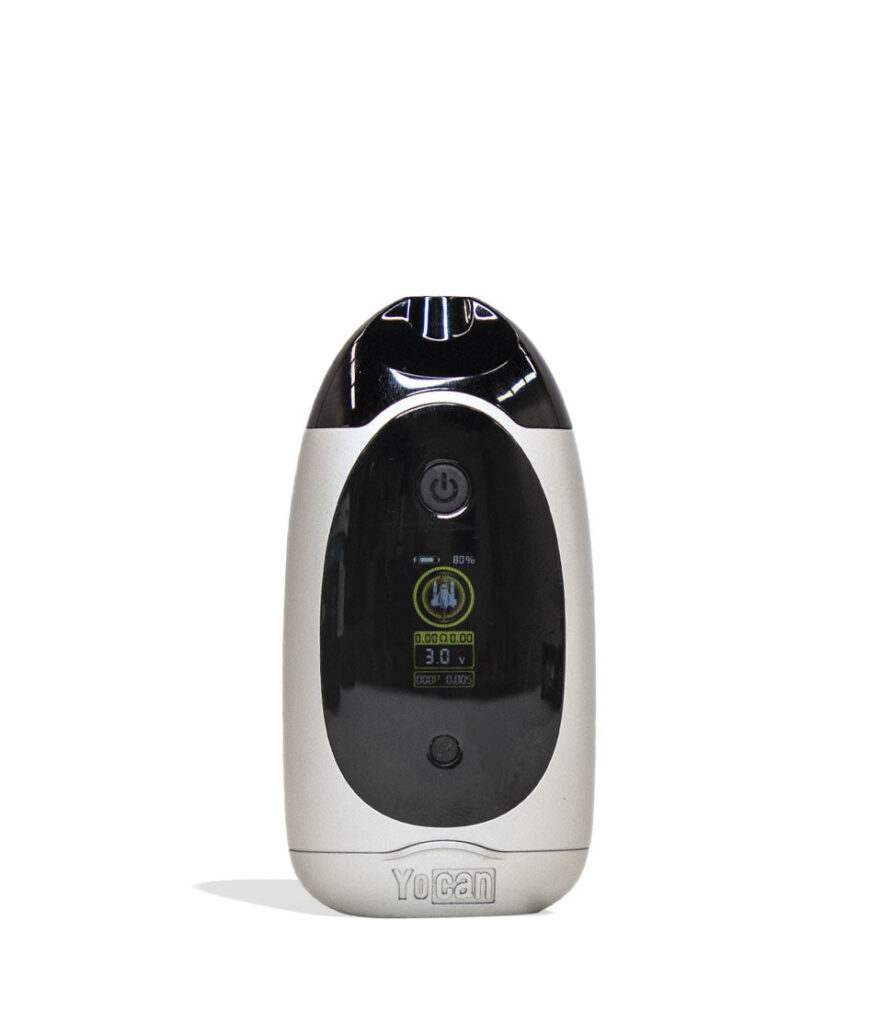
An adjustable box battery like the Yocan UNI Pro 2.0 fits a wide range of carts and adds a screen so you can see voltage and battery level at a glance. Compare models in our 510 battery guide.
Adjustable and dependable
Shop Yocan
Box and pen 510 batteries with preheat and variable voltage. 100% Authentic from top brand names.
How do you stop your cart from clogging?
Store carts upright, keep them at room temperature and take gentle pulls. Most clogs come from oil settling in the airway when a cart lies on its side or gets cold.
- Store upright: keep the mouthpiece pointing up so oil stays in the tank.
- Avoid cold: cold oil thickens. Keep carts out of cold cars and windowsills.
- Pull gently: hard, fast pulls can drag oil into the airway.
- Use preheat: a short preheat before the first hit loosens thick oil.
- Keep it clean: wipe the mouthpiece and threads every few days.
A battery with an enclosed chamber, like the Yocan UNI Pro 2.0, also protects the cart from knocks and temperature swings in a pocket or bag.
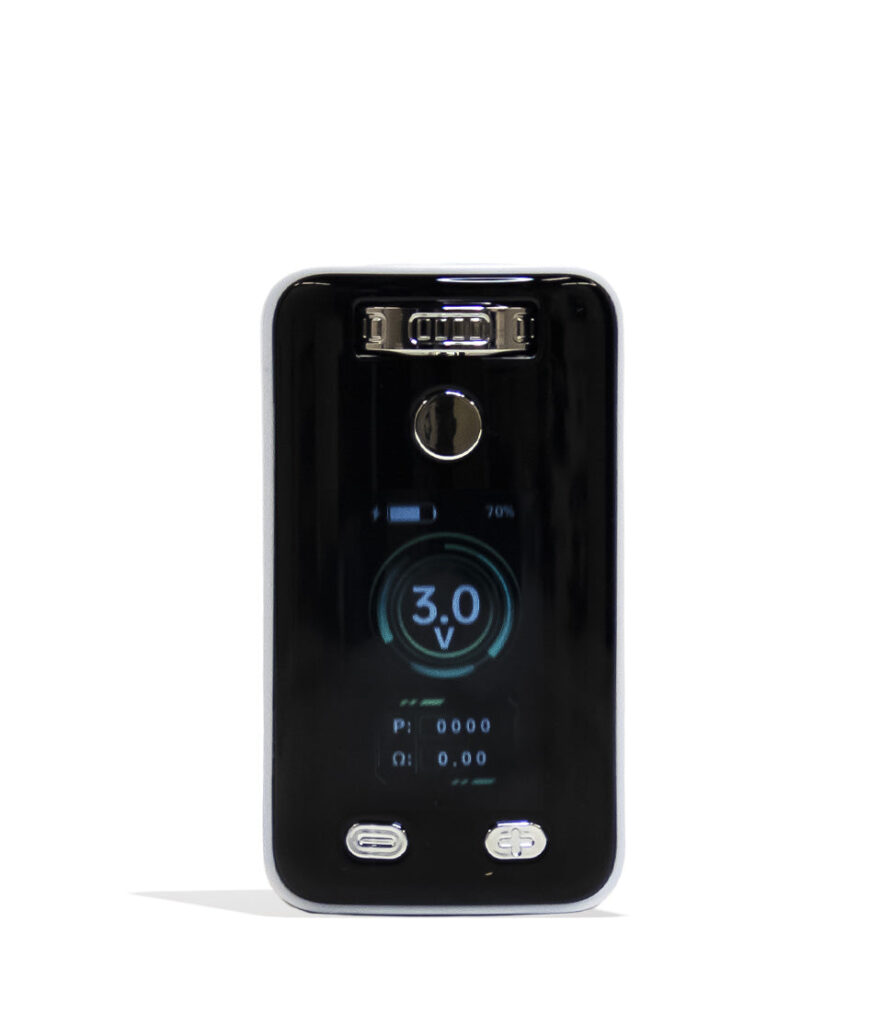
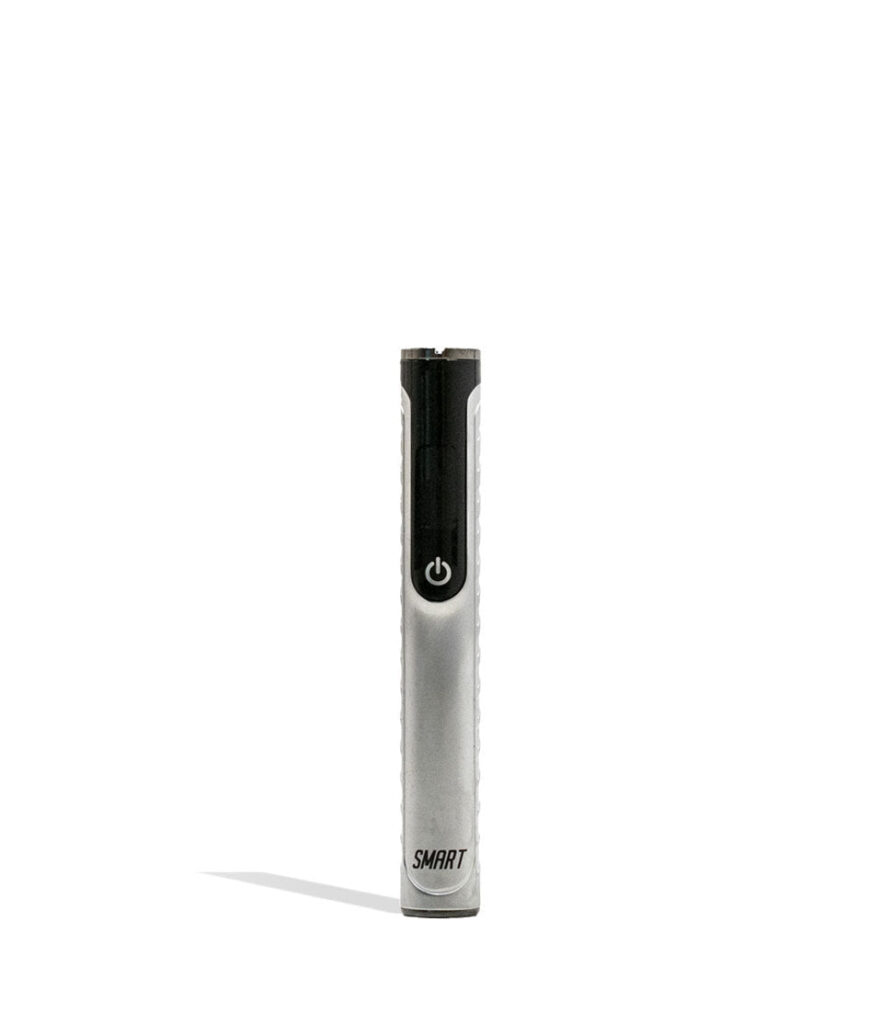
Shop 510 batteries we carry
In stock now and ready to ship. Free US shipping over $49.99.
Frequently asked questions
Why is my new cart not hitting?
New carts often fail to hit because the battery is off, the connection is loose or the oil is cold and thick. Charge the battery, press the button five times to turn it on, reseat the cart until snug and use preheat. Some new carts need a few gentle dry pulls to clear the airway.
Why does my battery blink when I hit my cart?
Blinking usually signals a low battery, a short or a poor connection. Three blinks often means low battery, and rapid flashing often means a connection problem. Charge it, then clean the threads and center pin with a dry cotton swab and reseat the cart. Check your manual for exact patterns.
Can a cart be too tight on a battery?
Yes. Overtightening can push the center pin down so it no longer touches the cart. Screw carts on only until snug. If the pin looks sunken, turn the battery off and lift it very slightly with a toothpick before trying again.
What voltage should I use for my cart?
Many people start between about 2.5V and 3.3V and adjust from there. Lower settings taste smoother and protect the coil; higher settings give bigger clouds but can taste burnt. Ceramic coil carts usually prefer the lower end. Follow the cart maker’s guidance if it lists a range.
How do I know if my cart is empty or broken?
Hold the cart up to the light. If oil is still visible but it will not hit after you have charged the battery, cleaned the contacts and preheated, the coil may be damaged. Try it on a second battery. If it still fails, the cart is likely the problem.
Find your next battery
Shop dab pens
Pens and batteries for every setup. Ships within the USA to adults 21+.
Back to smooth hits
Charge, unlock, clean, clear and preheat. That sequence fixes most carts in minutes. If the battery is the issue, browse our 510 batteries for a reliable replacement.