
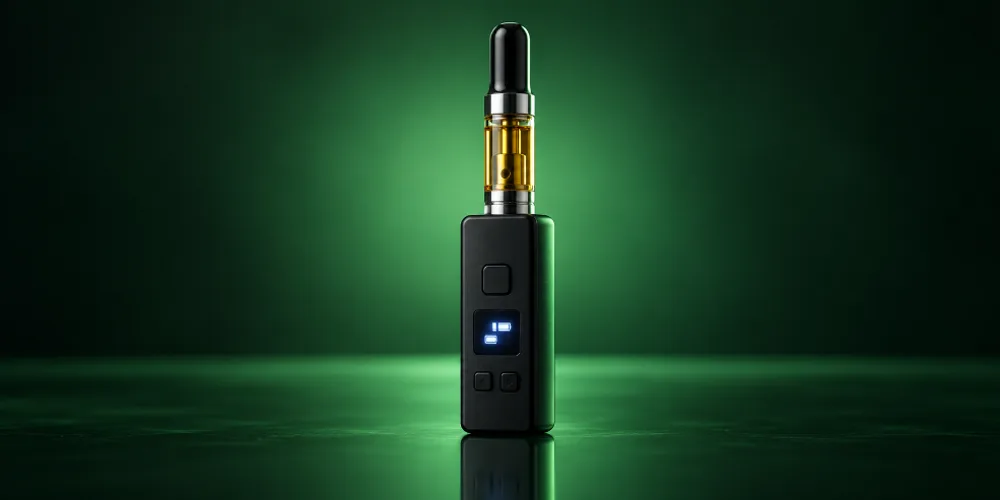
The Yocan Kodo Pro is a palm-size 510 battery with a 400mAh cell, a small OLED screen and variable voltage from 1.8V to 4.2V in 0.1V steps. Press the power button five times to turn it on, use the plus and minus buttons to set voltage, and press the power button twice for preheat.
Key takeaways
- The Kodo Pro adds an OLED screen and 0.1V voltage control to the original Kodo’s tiny, open-top design.
- Five presses turn it on. Two presses start preheat and two more cancel it.
- There is no chamber, so most 510 cartridges fit. Tighten the cart only until you feel resistance.
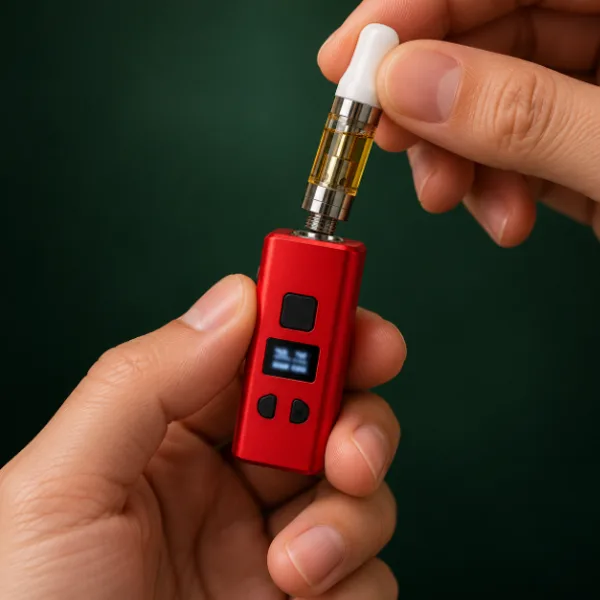
- Yocan sells it in a wide range of colors, including solid shades and spatter finishes.
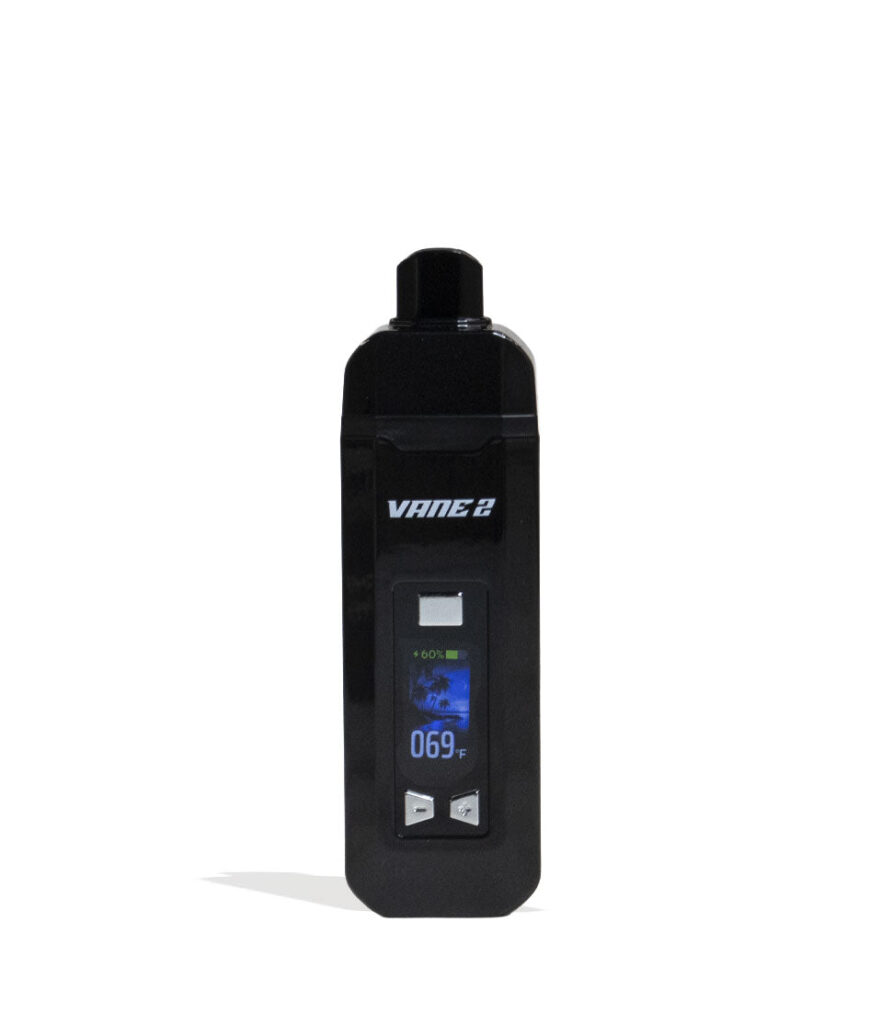
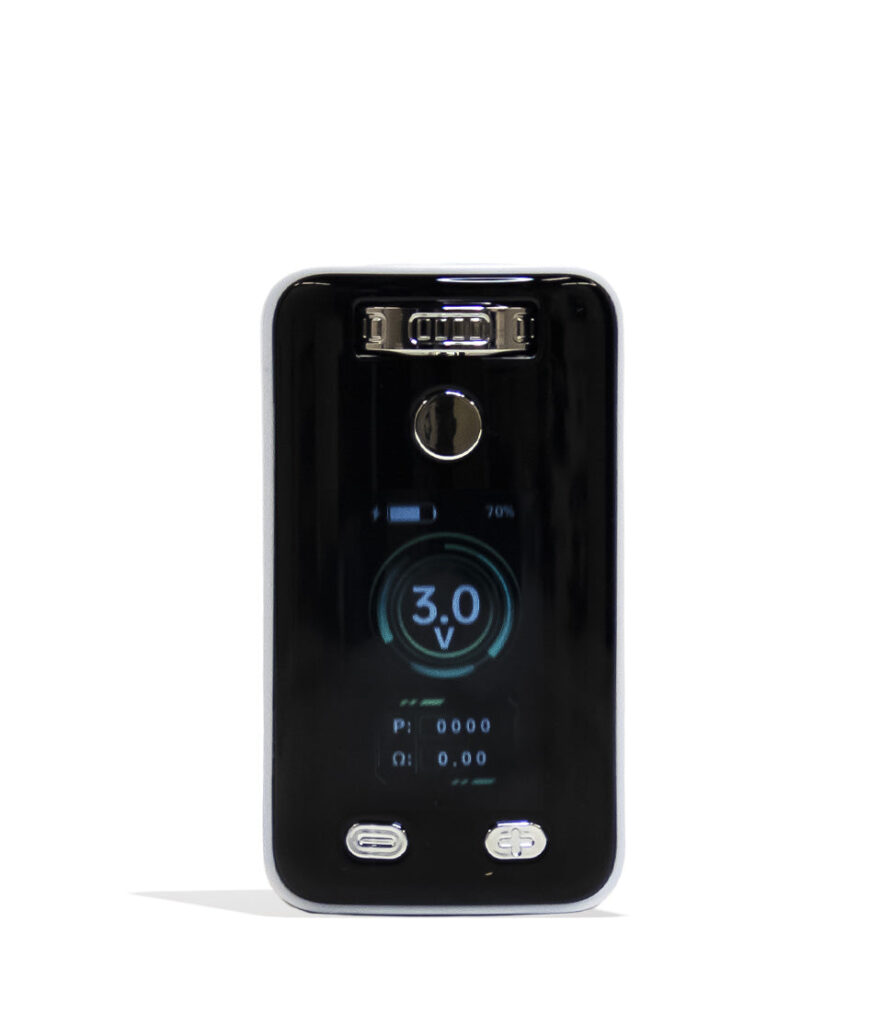
We do not carry the Kodo Pro right now, but these in-stock Yocan batteries are great alternatives.
What are the Yocan Kodo Pro specs?
According to Yocan, the Kodo Pro has a 400mAh battery, a 1.8V to 4.2V range, USB-C charging and an OLED screen that shows the battery level and a puff counter. It is a little over two inches long.
| Spec | Yocan Kodo Pro | Original Yocan Kodo |
|---|---|---|
| Battery | 400mAh | 400mAh |
| Voltage | 1.8V to 4.2V, 0.1V steps | Three presets: low, medium, high |
| Display | OLED: battery level, puff counter | LED lights (one to three green) |
| Preheat | Yes, two presses | Yes |
| Charging | USB-C | USB-C |
| Size | About 2 in long, under 1 in wide, about 0.5 in thick | Palm size |
| Cartridge fit | Open 510 top, fits most carts | Open 510 top, fits most carts |
Full details are on Yocan’s Kodo Pro product page. Superstrain does not carry the Kodo Pro right now, but you can find other Yocan batteries in our Yocan collection.
What colors does the Yocan Kodo Pro come in?
Yocan lists solid colors including black, yellow, orange, green, red, teal, purple, rosy and white, plus spatter finishes and limited shades such as granite, aqua, crimson, azure and amethyst.
Color options change with new releases, so check Yocan’s page for the current lineup.

Yocan batteries in stock
Shop Yocan
Box mods, pen batteries and adjustable UNI models. Free US shipping over $49.99.
How do you use the Yocan Kodo Pro?
Attach the cartridge, press the power button five times, set your voltage with the plus and minus buttons and press the power button while you draw.
Yocan Kodo Pro instructions based on Yocan’s published manual.
Total time: 3 minutes
-
Charge it
Connect a USB-C cable to the Kodo Pro and charge from a computer USB port. Yocan notes a charger and cable are not included.
-
Attach the cartridge
With the device off, screw a 510 cartridge clockwise onto the connection. Stop when you feel resistance.
-
Turn it on
Press the power button five times and wait for the OLED screen.
-
Set the voltage
Press (+) on the right to raise or (−) on the left to lower, 0.1V per press. Hold to move faster, then release.
-
Use preheat if needed
Press the power button twice to start preheat. Press it twice again to cancel.
-
Draw
Press and hold the power button while you inhale.
What voltage should you use on the Kodo Pro?
Start low, around the bottom third of the 1.8V to 4.2V range, and raise it 0.1V at a time. Lower settings favor flavor; higher settings make more vapor.
If the taste turns harsh or burnt, go back down. Thick oil may need a preheat before you raise the voltage.
Why is my Yocan Kodo Pro not working?
Most problems come from a cartridge that is too tight, a low battery or a dirty connection. Yocan’s main fix for an unrecognized cart is to remove it and reattach it.
| Problem | Likely cause | Fix |
|---|---|---|
| Cart not recognized | Overtightened or dirty connection | Remove the cart, wipe the threads, reattach until you feel resistance |
| Screen will not turn on | Battery empty or device off | Charge by USB-C, then press the power button five times |
| “Over Time” on screen | 15-second sesh limit reached | Release the button; it clears after two seconds |
| Puff counter stuck at 9999 | Counter maxed out | Press the power and (−) buttons together to reset |
| Weak hits | Voltage low or oil thick | Raise the voltage or use preheat |
If the cart itself is clogged, our guide to fixing a clogged cartridge walks you through it.
Need more control?
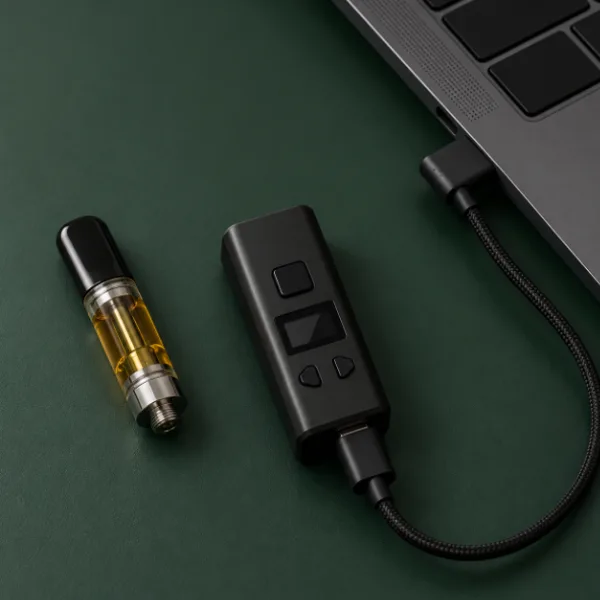
Try the UNI Pro 2.0
650mAh, 1.8V to 4.2V and an adjustable chamber that fits almost any cart. 100% Authentic from top brand names.
What is the difference between the Kodo and the Kodo Pro?
The original Kodo uses three LED-marked heat presets, while the Kodo Pro adds an OLED screen, a puff counter and precise 0.1V voltage control. Both keep the same tiny, open-top 510 design.
On the original Kodo, three quick presses cycle low, medium and high, shown by one, two or three green lights. If you like simple presets, the Kodo is enough. If you want to fine-tune voltage, the Kodo Pro is the upgrade.
How do you charge the Yocan Kodo Pro?
Charge it with a USB-C cable from a computer USB port. Yocan notes that a charger and cable are not included with the Kodo Pro, so use one you already own.
Yocan does not publish an exact charge time, but with a small 400mAh battery it does not take long. Watch the battery level on the OLED screen and unplug once it reads full. Avoid leaving it on the charger for long periods, and charge it before it runs completely flat to help the battery last.
Is the Kodo Pro good for beginners?
Yes, if you want something tiny and simple. The open top fits most carts, the screen shows exactly what voltage you are on and preheat is just two presses away. If you prefer a battery that hides the cartridge or holds more charge, a box battery like the Yocan UNI Pro 2.0 is a better fit.
Frequently asked questions
How do you turn on a Yocan Kodo Pro?
Press the power button five times and wait for the OLED screen to light up. From there, use the plus and minus buttons to set your voltage in 0.1V steps and press the power button twice for preheat. Press and hold the power button while you inhale to use it.
What voltage is the Yocan Kodo Pro?
Yocan lists the Kodo Pro voltage range as 1.8V to 4.2V, adjustable in 0.1V steps with the plus and minus buttons. Start near the low end and raise it gradually until the flavor and vapor suit you. Lower the voltage if the hit tastes harsh or burnt.
Why is my Kodo Pro not hitting?
Check that the battery is charged, then remove the cartridge, wipe the threads and reattach it until you feel light resistance, since overtightening can stop the battery from reading the cart. If it still will not hit, try another cartridge or use preheat for thick oil.
How do you reset the puff counter on a Kodo Pro?
According to Yocan, when the puff counter reaches 9999 you reset it by pressing the power button and the minus button at the same time. The counter then starts again from zero. This does not change your voltage or other settings.
Does the Yocan Kodo Pro fit all cartridges?
It fits most 510 cartridges because it has an open top with no chamber, so width and height are not limited. Very heavy or tall carts may feel top-heavy on such a small battery. Screw the cart on only until you feel resistance to protect the connection.
100% Authentic from top brand names
Browse 510 batteries
Free US shipping over $49.99, $9.99 flat under that. Ships within the USA to adults 21+.
Find your next small battery
The Kodo Pro is a tiny, screen-equipped upgrade to the Kodo. While we do not stock it today, our Yocan collection and 510 batteries cover pen, box and adjustable options.