
To use a Wulf battery, set your cartridge in the adjustable base, lock the height so the mouthpiece sits flush, turn the battery on with five quick clicks, pick a voltage (three clicks on the UNI and UNI S, the +/- buttons on the UNI Pro), then hold the button while you draw. Start on the lowest voltage, use the preheat for thick oil, and charge with the included USB-C cable.
Key takeaways
- Most Wulf button batteries power on and off with 5 quick clicks.
- The UNI and UNI S cycle through three voltage levels with 3 clicks and start preheat with 2 clicks.
- The UNI Pro adjusts from 2.0V to 4.2V in 0.1V steps on an OLED screen and has a 10 second preheat.
- Every UNI model adjusts its width and height to hide most 0.5g, 1g and 2g 510 carts inside the body.
- Start low, raise voltage slowly, and drop it if a hit tastes burnt.
Which Wulf Battery Do You Have?
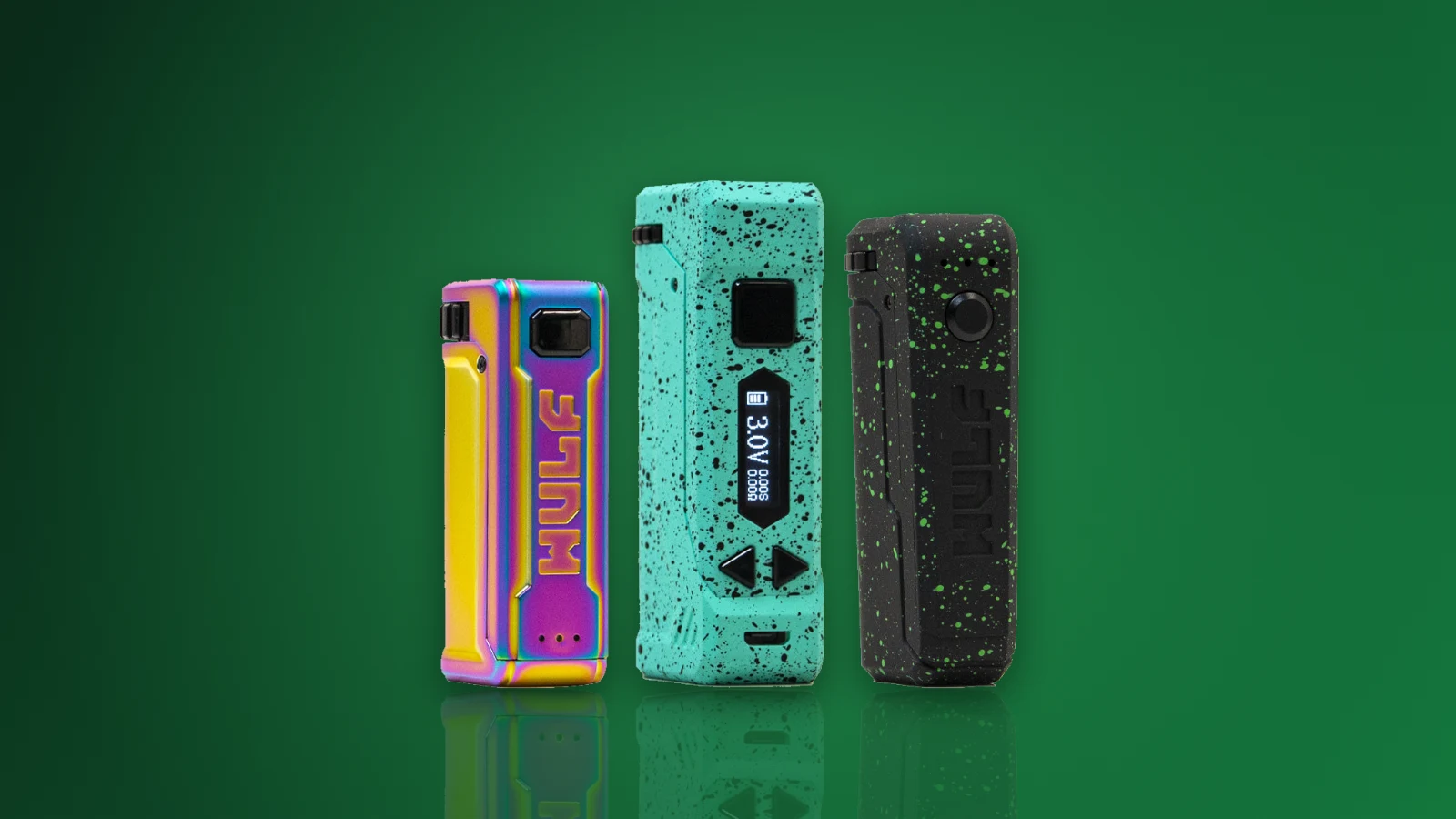
Wulf Mods makes several 510 cart batteries, and the controls change a little from model to model. Find yours below, then follow the matching steps. You can compare every model side by side in our Wulf Mods 510 batteries collection.
| Wulf battery | Battery | Voltage | Preheat | Price |
|---|---|---|---|---|
| Wulf UNI | Built in | 3 levels (1, 2 or 3 lights) | 2 clicks | $19.99 |
| Wulf UNI S | 650mAh | 2.5V, 3.0V, 3.5V | 1.8V preheat | $23.99 |
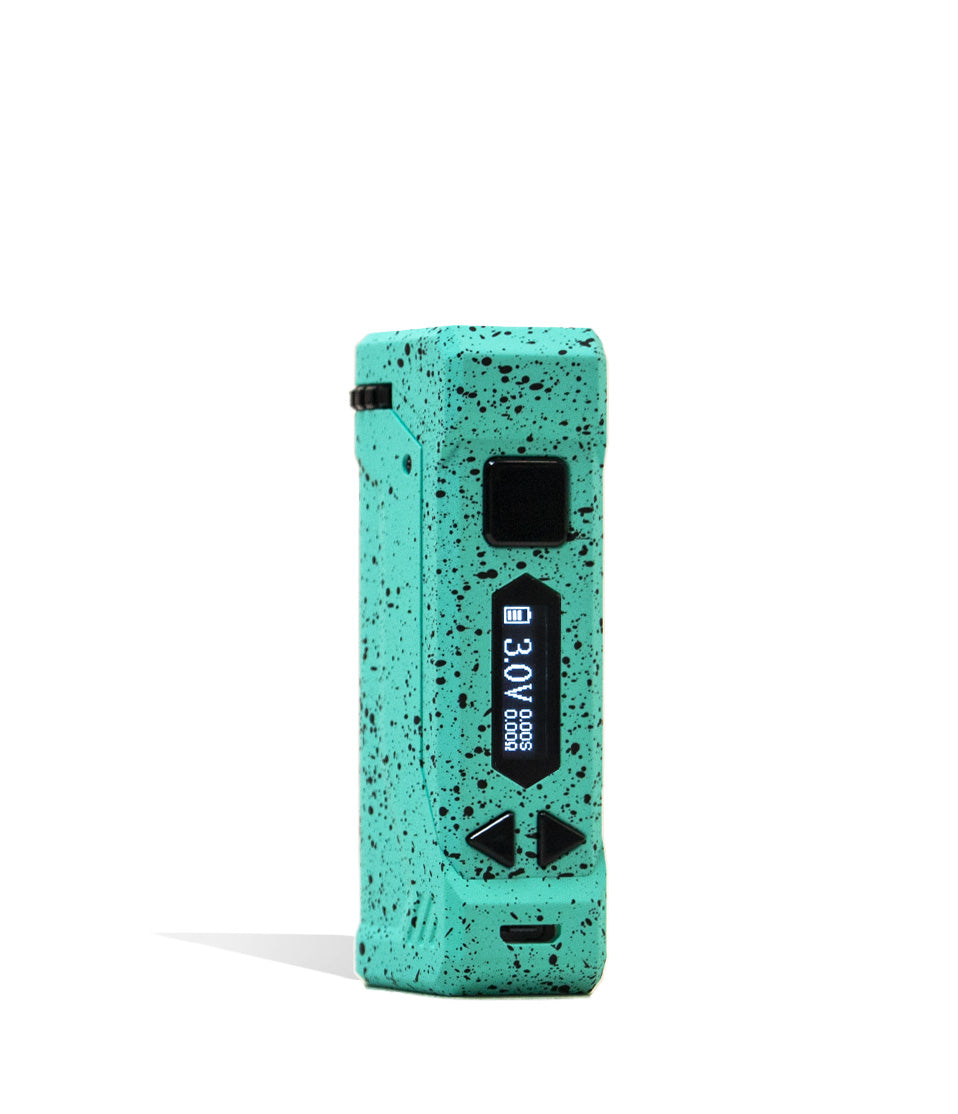
| Wulf UNI Pro | 650mAh | 2.0V to 4.2V in 0.1V steps | 10 seconds | $31.99 |
| Wulf UNI 3.0 | Built in | Variable | Yes | $31.99 |
| X-Ray Series UNI Pro | Built in | Variable | Yes | $39.99 |
How to Load a Cartridge in a Wulf UNI Battery
The UNI series is built around one idea: the cart sits inside the battery instead of sticking out the top. That is why the setup takes a few extra seconds the first time.
- Twist or slide the adjuster on the base to open the cart well wider than your cartridge.
- Screw the 510 cartridge onto the connector (or the magnetic adapter on models that include one). Snug is enough. Do not crank it down.
- Raise or lower the height lock until the mouthpiece sits just above the top of the battery.
- Close the width adjuster so the cart cannot rattle, then check that the mouthpiece is clear.
The UNI series fits most carts from 0.5g to 2g. On the UNI Pro, carts up to 13.75mm wide will fit.
How to Turn a Wulf Battery On and Off
Click the fire button five times quickly. The lights flash to confirm the battery is on. Five more quick clicks turn it off. Turning the battery off when it goes in a pocket or bag keeps it from firing by accident.
How to Change the Voltage on a Wulf Battery
Wulf UNI and UNI S
With the battery on, click the button three times quickly to move to the next voltage level. On the UNI, one light means low, two lights mean medium and three lights mean high. The UNI S steps through 2.5V, 3.0V and 3.5V.
Wulf UNI Pro
The UNI Pro skips the click patterns for voltage. Use the two adjustment buttons to raise or lower the voltage in 0.1V steps anywhere from 2.0V to 4.2V, and read the exact setting on the OLED display.
What voltage should you start with?
Start at the lowest setting and work up one step at a time until the vapor and flavor feel right. Thin oil usually tastes best on the low end. If a hit tastes harsh or burnt, turn the voltage down. Running a cart hotter than it needs uses it up faster and can scorch the coil.

Most popular Wulf battery
Shop the Wulf UNI Pro
Adjustable fit, 2.0V to 4.2V and an OLED screen. Free US shipping over $49.99.
How to Use Preheat on a Wulf Battery
Preheat warms a thick or cold cartridge so it draws freely on the first hit. On the UNI, click twice to start preheat and twice again to stop it. The UNI S preheats at a gentle 1.8V, and the UNI Pro runs a 10 second preheat. Use it when the oil has been sitting in a cold car or when the first pull feels clogged.
How to Charge a Wulf Battery
- Plug the included USB-C cable into the port on the battery and a standard wall adapter or computer.
- Wulf says not to charge in a car and not to use a power bank rated 5V or higher, and to use only the cable that came with the battery.
- Unplug the battery once the lights show a full charge so it does not overcharge.
Wulf Battery Not Working? Quick Fixes
- No lights: it is probably off or dead. Click five times, then charge it if nothing happens.
- Lights blink but no vapor: the cart is not making contact. Unscrew it, check the threads and screw it back on snug.
- Clogged or hard draw: run preheat once or twice, then try again.
- Burnt taste: lower the voltage one step.
- Cart rattles or will not seat: reset the width and height adjusters for that cart.
Shop Wulf Batteries at Superstrain
Every Wulf battery in our Wulf Mods collection is 100% authentic, and orders over $49.99 ship free in the US.
-
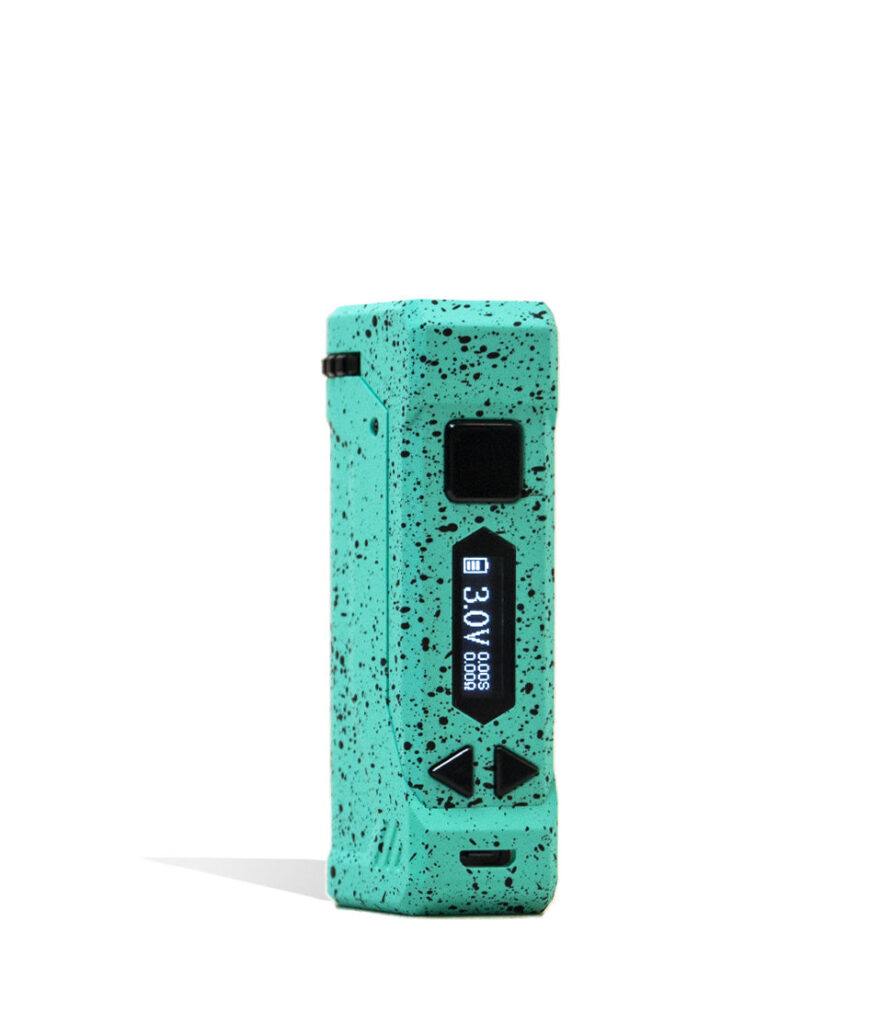
Wulf Mods UNI Pro Adjustable Cartridge Vaporizer
$31.99
$27.19 -
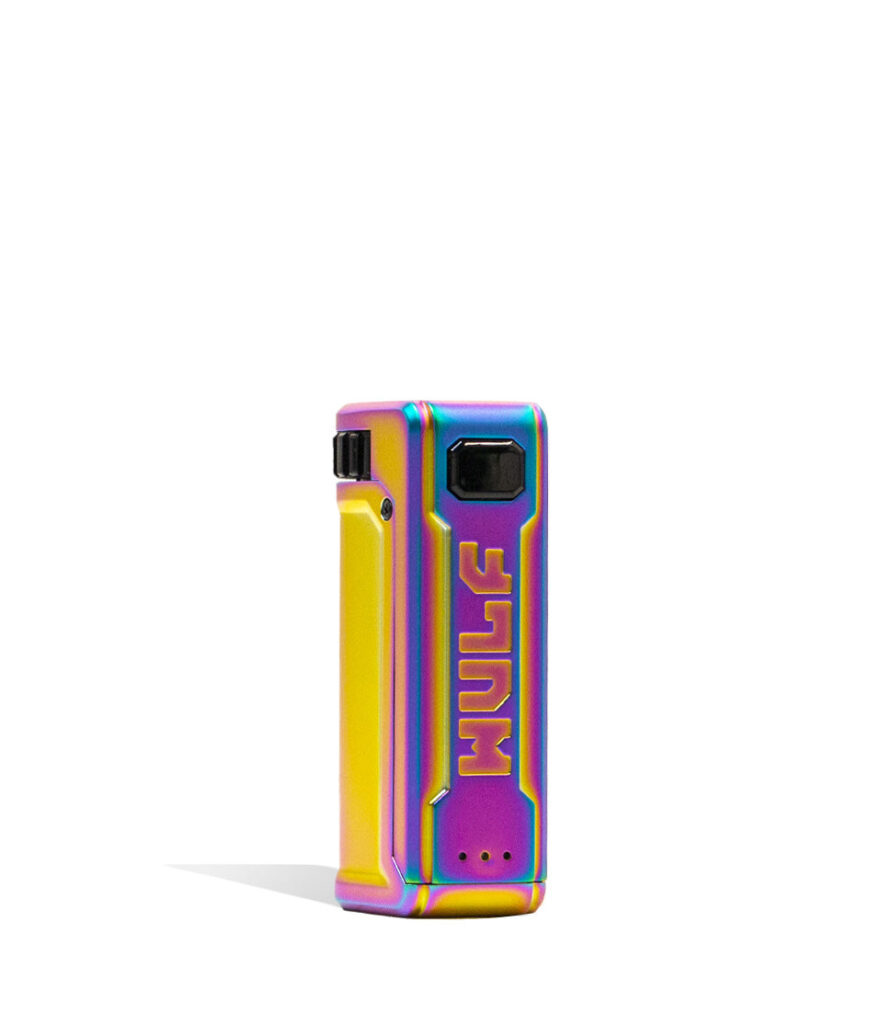
Wulf Mods UNI S Adjustable Cartridge Vaporizer
$23.99
$20.39 -
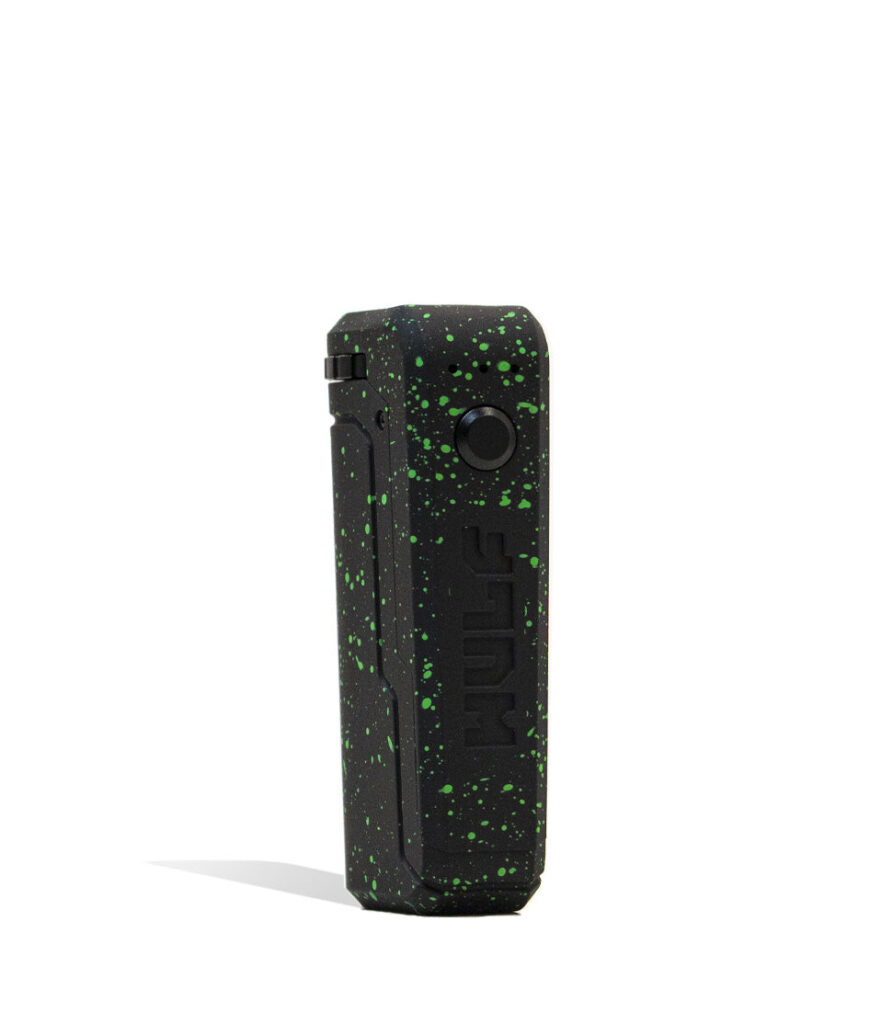
Wulf Mods UNI Adjustable Cartridge Vaporizer
$19.99
$16.99
How many clicks turn on a Wulf battery?
Most Wulf button batteries turn on and off with five quick clicks of the fire button.
How do you change the voltage on a Wulf UNI?
Turn it on, then click the button three times quickly. One light is low, two is medium and three is high.
What voltage is the Wulf UNI Pro?
The UNI Pro adjusts from 2.0V to 4.2V in 0.1V steps and shows the setting on an OLED display.
How do you use preheat on a Wulf battery?
On the UNI, click twice to start preheat and twice to stop. The UNI Pro runs a 10 second preheat.
Why is my Wulf battery blinking?
Blinking usually means the cart is not making contact or the battery is low. Reseat the cart and charge the battery.